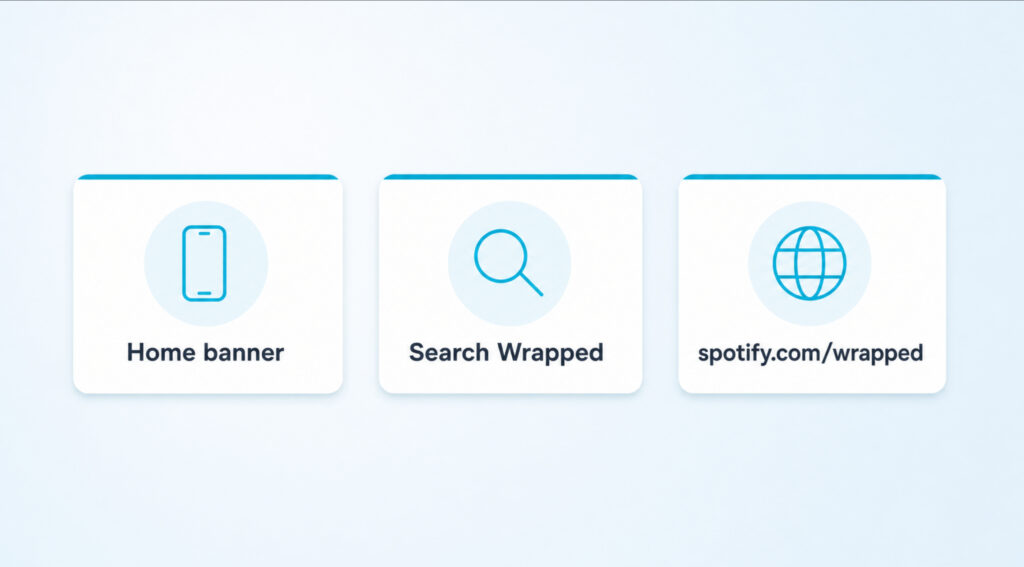
Short answer first. Spotify Wrapped is a personalized recap of everything you played from January through mid November, packaged into a short, story style slideshow. Spotify drops it once a year, usually the first week of December, and you open it the same way on every device: launch the Spotify app or visit spotify.com slash wrapped, then look for the giant banner on the home screen the moment it goes live.
If you do not see the banner, your app probably needs an update, or Wrapped has not rolled out to your account yet. The rollout takes a few hours across regions, so a missing banner in the morning often shows up by lunchtime.
The Short Version Before You Tap Anything
Before going deeper, here is what is actually true about Wrapped:
- Wrapped is free for every account, Premium or not.
- It launches once a year, almost always the first week of December.
- It covers your listening from January 1 through about mid November.
- You open it from the home screen of the Spotify app, or by visiting spotify.com slash wrapped on a browser.
- Your Top Songs playlist stays in your library forever, even after the slideshow goes away.
Boost Plays & Listeners
Get your music heard. Grow plays, followers, and monthly listeners.
What Spotify Wrapped Actually Is
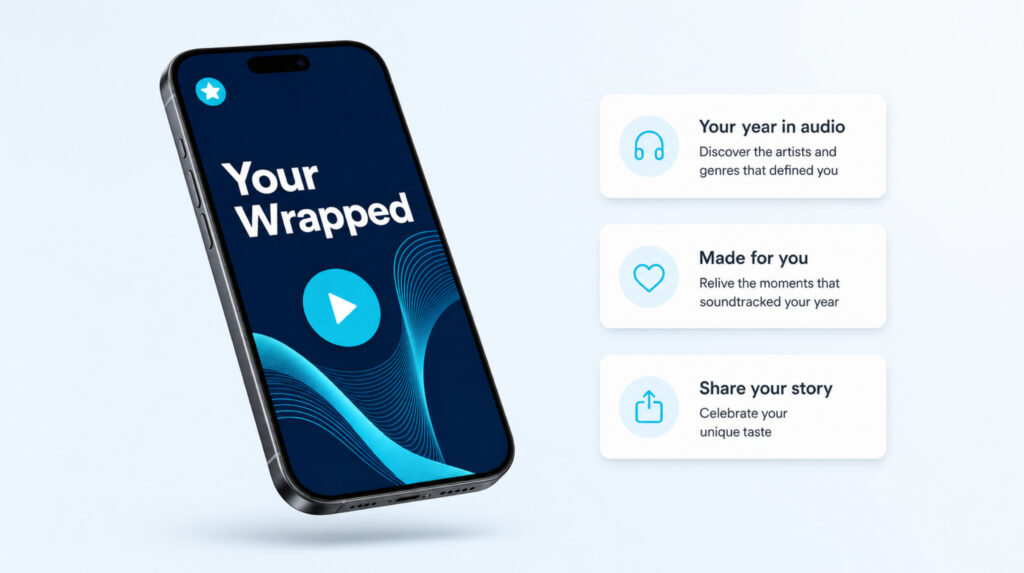
Wrapped is Spotify’s year end recap, first launched in late 2016 as a simple summary and now a multi screen slideshow with animated cards, voice narration, and a personalized playlist of your top 100 songs.
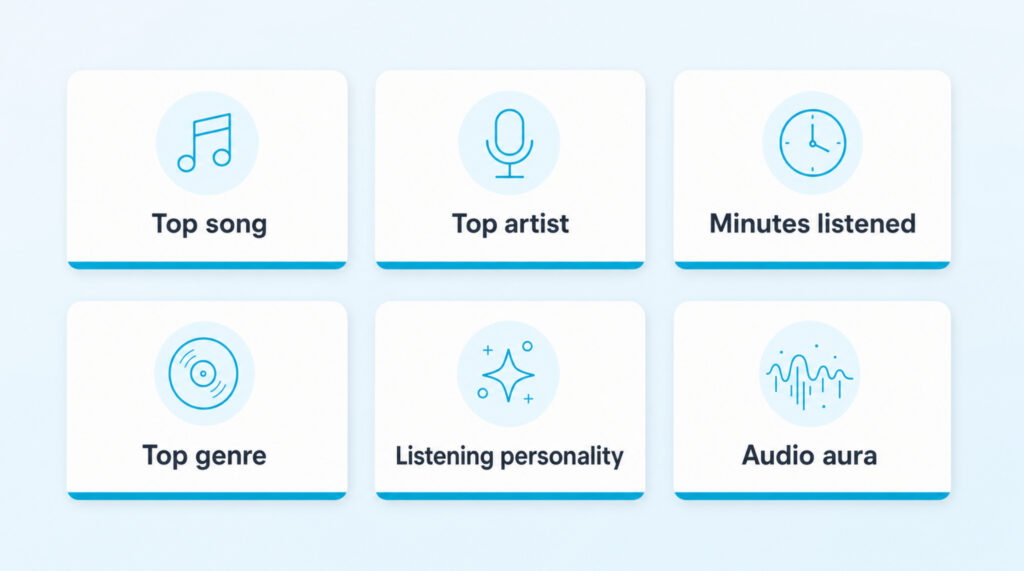
Each slide pulls from a different signal in your listening history. Top songs, top artists, total minutes streamed, top genres, your listening personality, and your audio aura are the recurring favorites. New formats also show up each year, like the AI podcast that turns your stats into a short audio episode, and the Top Songs Party that compares your taste with a friend in real time.
Wrapped is free for every account, Premium or not. The only catch is that your account must have enough listening minutes during the tracking window for Spotify to build a story for you.
When Spotify Wrapped Drops And What It Tracks
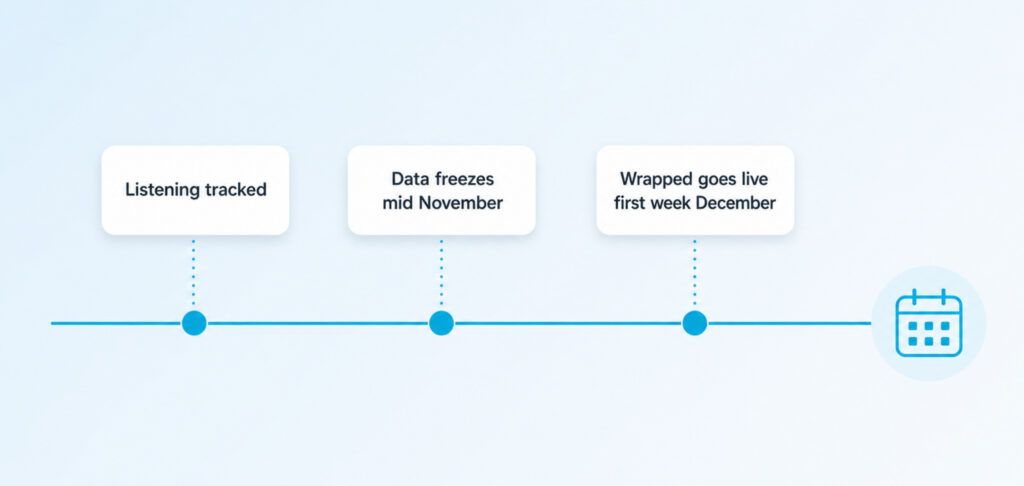
Spotify Wrapped is released once a year, typically the first week of December, often on a Wednesday. The exact day is never pre announced, but the pattern across recent years is consistent enough that you can plan around it.
The data window covers January 1 through about mid November. Anything you stream after that pushes into next year’s Wrapped, not the current one. Skipped tracks under 30 seconds do not count toward your stats.
Recent Release Pattern
- Last year: first week of December, mid week launch.
- Two years ago: final days of November.
- Three years ago: final days of November.
- Older editions: late November to early December almost every year since launch.
If December has already started and you still do not see Wrapped, give it 24 to 48 hours. Rollouts are staggered, not instant.
How To Get Spotify Wrapped On Your Phone
Phone is where most people open Wrapped first, because the slideshow is designed for vertical screens with tap to advance gestures. The steps are the same on iPhone and Android.
On iPhone
- Open the App Store and update Spotify to the latest version.
- Launch the Spotify app and stay on the Home tab.
- Look for the bright Wrapped banner near the top of the screen.
- Tap the banner to open the slideshow.
- Tap the right side of the screen to move forward, left to go back, hold to pause.
If the banner is missing, pull down to refresh the Home tab, then search “Wrapped” in the Search tab. Spotify often surfaces a search shortcut once Wrapped is live for your region.
On Android
- Open Google Play and update Spotify.
- Open the app and check the Home screen for the Wrapped banner.
- If the banner shows, tap it and play through the slideshow.
- If it does not show, type “Wrapped” into Spotify’s search bar.
- Still nothing, open spotify.com slash wrapped in your phone browser and sign in with the same account.
| Tip: If you share an account with a partner or family member, your Wrapped reflects the entire account’s history. A separate Wrapped only exists if you have your own login. |
How To Get Spotify Wrapped On A Desktop Or Laptop
Wrapped is built mobile first, but the web version covers everything you need: top songs, top artists, total minutes, and the personalized end of year playlist. The desktop app does not host the full slideshow, so the web is the right path on a computer.
Using The Web Player
- Open your browser and visit spotify.com slash wrapped.
- Sign in with the email tied to your Spotify account.
- Click the big “Open Wrapped” or “Your Wrapped” button.
- Use arrow keys or click the right side of the slide to advance.
- Click the share icon to send any slide as an image or short clip.
From The Desktop App
- Open the Spotify desktop app and update it if a banner asks you to.
- On the Home tab, look for the Wrapped card near the top.
- Click it. The app opens a browser tab to the same Wrapped web experience.
- If no card appears, paste spotify.com slash wrapped into the browser instead.
What You Will See Inside Wrapped
Each Wrapped is structured like a short story. The order changes year to year, but the core slides almost always appear in some form. Here is what to expect when you tap through.
- Total minutes listened across the year.
- Your top five artists, with your number one revealed last.
- Your top five songs, plus a full playlist of your top 100.
- Your top genres, often three to five with percentages.
- Listening personality, a label like “The Adventurer” or “The Connoisseur” based on your habits.
- Audio aura, a color and mood map of how you listened.
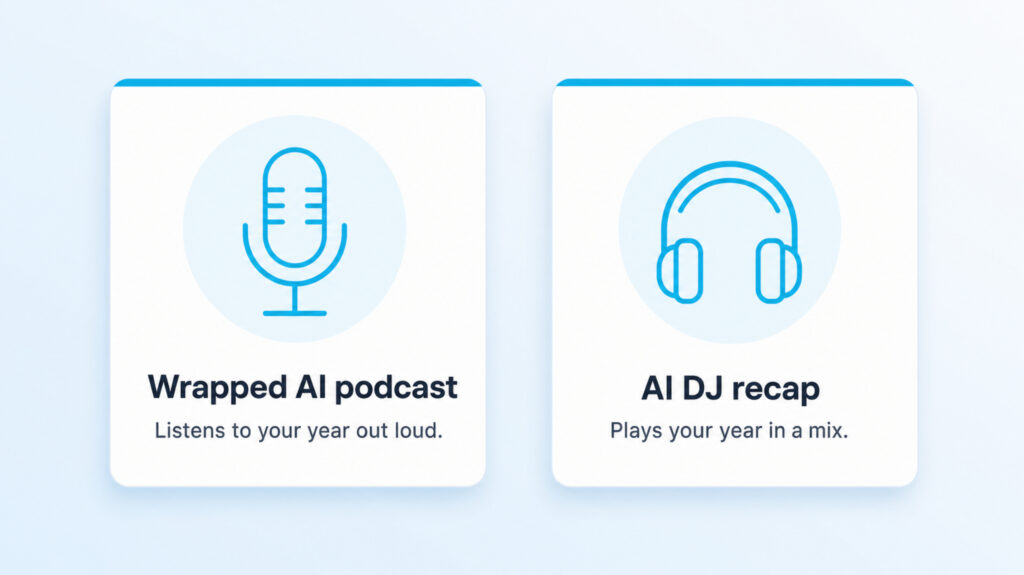
- Wrapped AI podcast, a short audio episode that narrates your year if your region supports it.
- Top Songs Party, a real time taste comparison with a friend.
Sharing Your Wrapped Stats On Instagram, TikTok And X
Spotify built the share flow into every Wrapped slide, so you do not need a screenshot. Tap the share icon in the bottom corner of a slide and you get options for Instagram Stories, Snapchat, TikTok, Facebook, X, WhatsApp, and a generic “Save image” button.
Instagram Stories is the most popular destination because Wrapped templates are pre sized for vertical mobile. TikTok works for longer reactions where you film yourself reacting to each slide. X works for the static cards if you want to keep things text first.
| Tip: Before you share, swipe through the full slideshow once. The share button on each slide gives a cleaner image than a screenshot, with no status bar or notifications in the frame. |
When Wrapped Will Not Show Up
A missing Wrapped is the single most common complaint every December. Most causes have simple fixes, and most of them are about timing or app updates rather than account problems.
App Is Outdated
The Wrapped slideshow only renders properly on the current Spotify build. If you have not opened the App Store or Play Store in months, update first, then restart Spotify before checking the Home tab again.
Rollout Has Not Reached You Yet
Spotify pushes Wrapped in waves across regions and account batches. Some users see it at 7am local time, others not until late afternoon. Give it half a day before assuming something is wrong.
Want your tracks to actually get streamed?
Real listeners. Real plays. No bots, no fake streams, ever.
See our Spotify servicesYour Account Is Too New
Accounts created in the last 30 days of the tracking window usually do not qualify. Spotify needs enough listening data to build a story, so a brand new account from October will likely sit out the current Wrapped and join the next one.
You Are Below The Minimum Listening Threshold
Spotify does not publish an exact number, but reports point to a floor of roughly 30 tracks across five different artists during the year. If you streamed less than that, Wrapped will not generate.
Profile Privacy Settings
Some Wrapped features pull from your public listening data. If you turned on private session mode for long stretches, those plays may not feed the recap. Check Settings, Privacy and Social, and make sure “Listening activity” is enabled going forward.
| Good to know: There is no support ticket for a missing Wrapped. Spotify staff cannot manually generate one for your account, even if you contact them. The fix is always one of the causes above plus a little patience. |
How To Find Your Old Wrapped Recaps
Wrapped is a limited time experience inside the app, but the playlists Spotify generates each year stay in your library. That gives you a permanent record of your top songs, even after the slideshow disappears.
- Open Spotify and go to Your Library.
- Search “Your Top Songs” followed by the year you want.
- Tap the playlist to see your top 100 from that year.
- You can also visit spotify.com slash wrapped year hub when Spotify keeps past editions live for a few months after launch.
Third party trackers like Stats.fm and Last.fm fill the gap between Wrapped releases. They give you a rolling view of top songs, artists, and minutes year round, so you do not have to wait until December to see your numbers.
FAQs About Spotify Wrapped
Is Spotify Wrapped free?
Yes. Wrapped is available to both Free and Premium accounts. The only thing Premium adds is offline playback for the Top Songs playlist, not extra Wrapped features.
What is the exact data cutoff for Wrapped?
Spotify does not publish a precise date, but reports and historical patterns point to a mid November freeze. Streams after that point feed next year’s Wrapped instead of the current one.
Why is my Wrapped showing songs I do not remember playing?
Wrapped counts every stream, including background plays, autoplay continuations, and tracks you played for at least 30 seconds. If you fell asleep with the app open, those plays count too.
Can I see Wrapped on the desktop app?
The desktop app links to the web version. The full slideshow lives at spotify.com slash wrapped, not inside the desktop client itself.
How do I share a single Wrapped slide instead of the whole story?
Tap the share icon at the bottom of any slide. Spotify generates a standalone image or short clip you can post directly to Instagram, TikTok, X, or save to your camera roll.
Does shared family Wrapped exist?
No. Each Spotify account gets its own Wrapped based on its own listening. Family plan members each see their own recap. A shared account shows one combined Wrapped for whoever listened on it.
Why did I get a smaller Wrapped than my friends?
Spotify scales the experience to your listening volume. Light listeners see a shorter set of slides. To unlock more slides next year, keep streaming history on and play across more artists and genres.
Can I see my Wrapped from past years?
The “Your Top Songs” playlists from past years stay in your library forever. The full slideshow for prior years is usually retired a few months after launch, though Spotify has revived archive hubs for milestone anniversaries.
Does AI DJ or Wrapped AI podcast cost extra?
Both are part of Wrapped at no extra cost, but availability depends on your region and account type. The AI podcast and AI DJ are still rolling out market by market.
What if Wrapped never loads even after updating?
Force quit the app, restart your phone, then reopen Spotify. If that fails, sign out and back in. As a last step, reinstall the app. Most Wrapped issues clear within one of these steps.
Open The App In December, Then Listen With Intention All Year
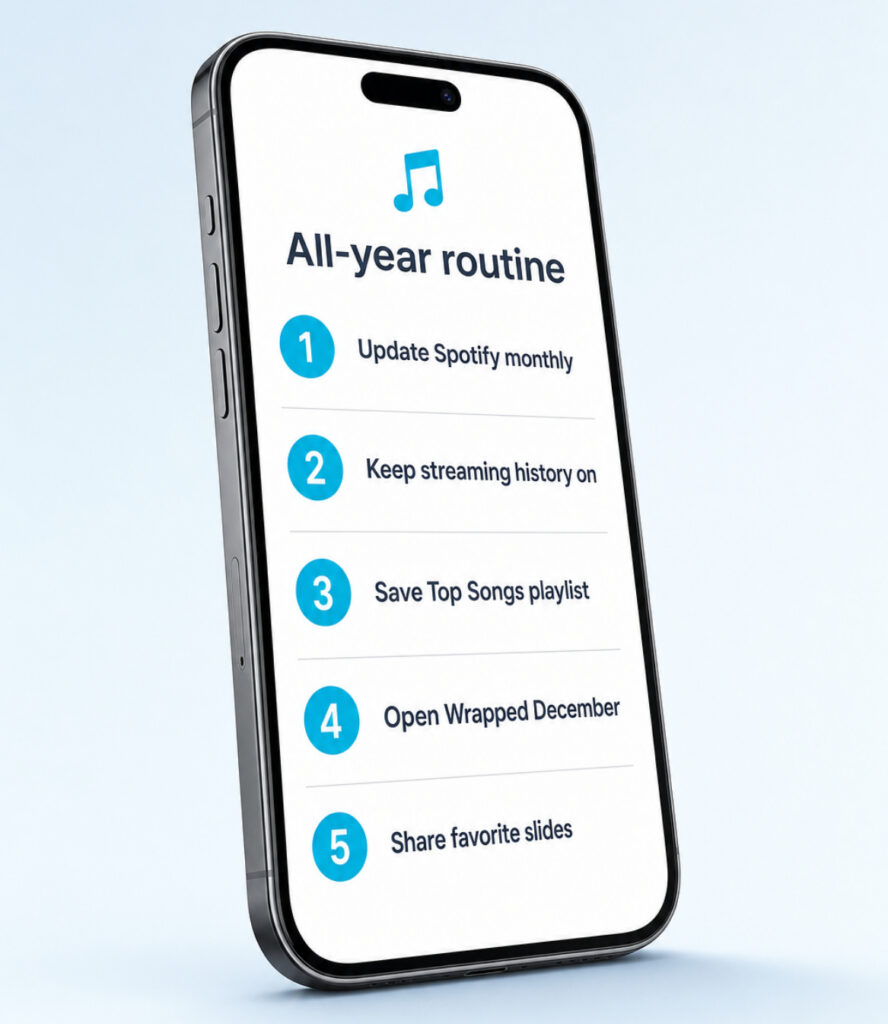
Wrapped lands once a year, but the year of listening behind it is built every single day. Keep the app updated, leave streaming history on, save the Top Songs playlist Spotify generates, and check the Home tab the first week of December. The slideshow will be there, the share tools are one tap away, and your numbers tell a story that nobody else has lived the same way.