Category: How-to guides

How To See Someone’s Activity on Instagram (Likes, Comments and More)
• 31 October 2026
How To See Someone’s Activity on Instagram (Likes, Comments and More)

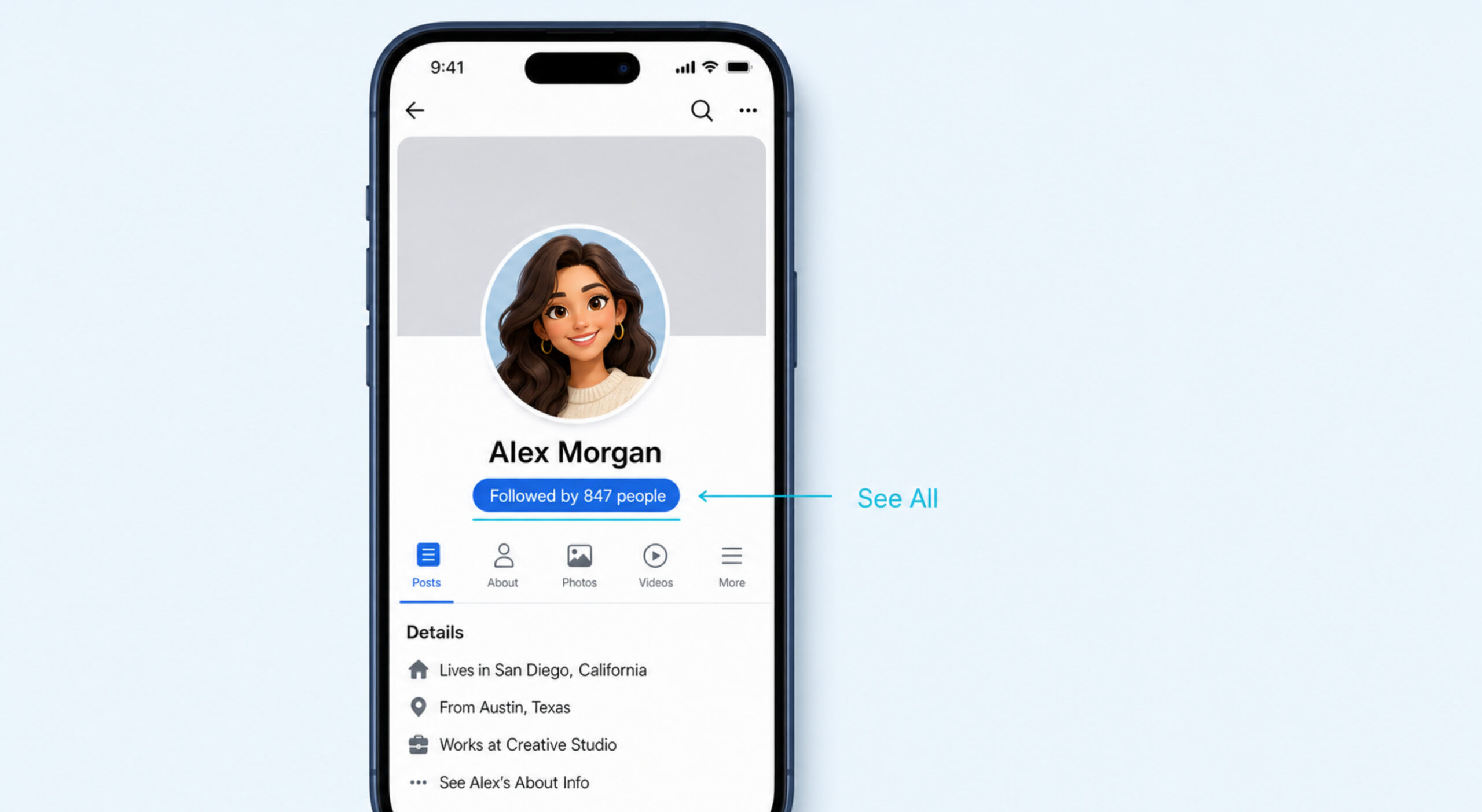
Instagram doesn’t have one place that shows everything someone does on the app. You can still see pieces of it: their posts, reels and reposts on their profile, public reels they liked or commented on in the Friends tab, and when they were last active if you both have activity status turned on. Some things […] Read More
How To Delete a Playlist on Spotify (and Get It Back)
• 31 October 2026
How To Delete a Playlist on Spotify (and Get It Back)

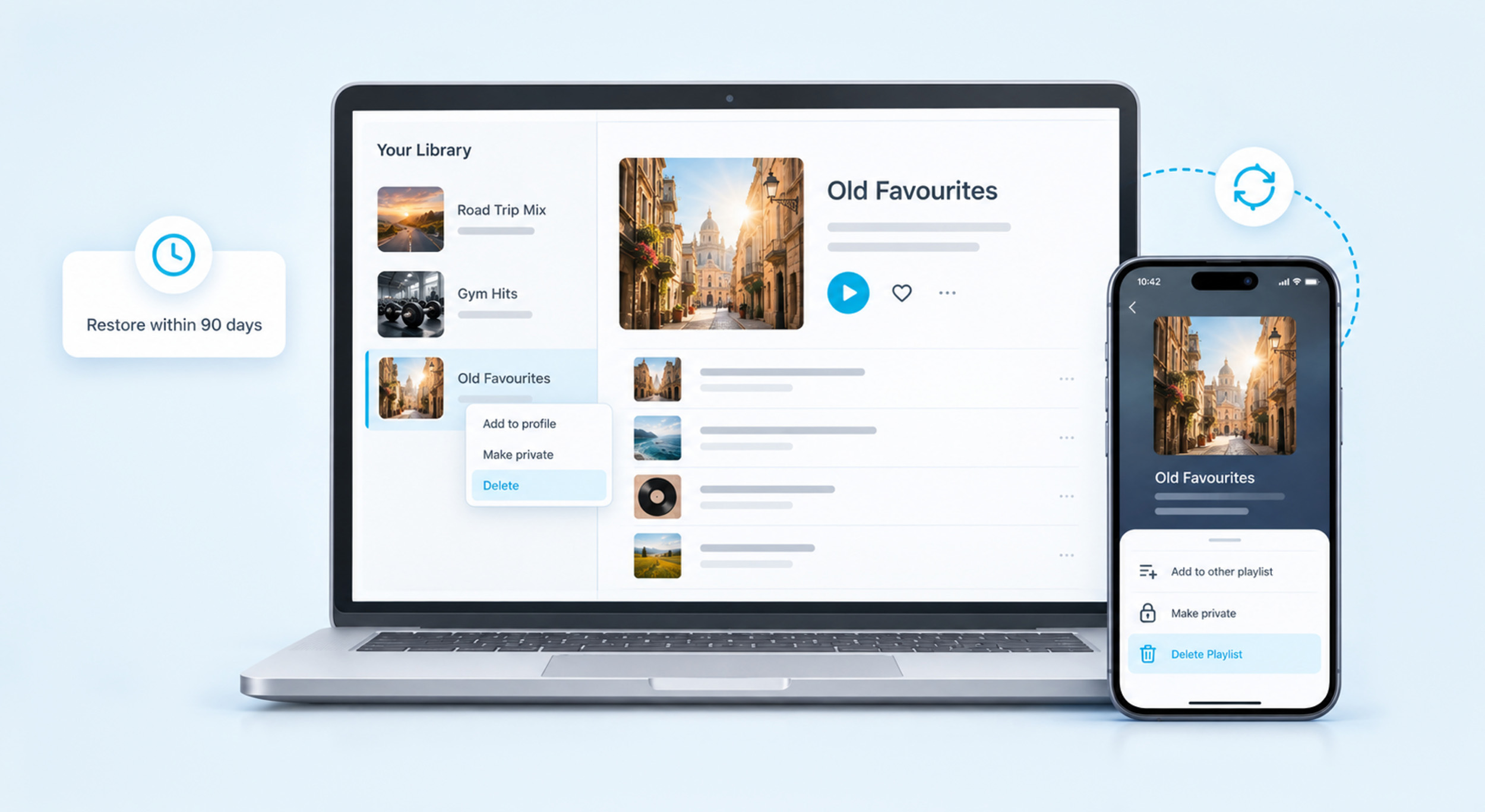
To delete a playlist on Spotify, open it, tap the three-dot menu and tap Delete Playlist. On a computer, right-click the playlist in Your Library and click Delete. It leaves your library straight away, and you can still restore it from your account page for 90 days if you change your mind. Delete, Remove or […] Read More

How To Update Instagram
• 30 October 2026
How To Update Instagram

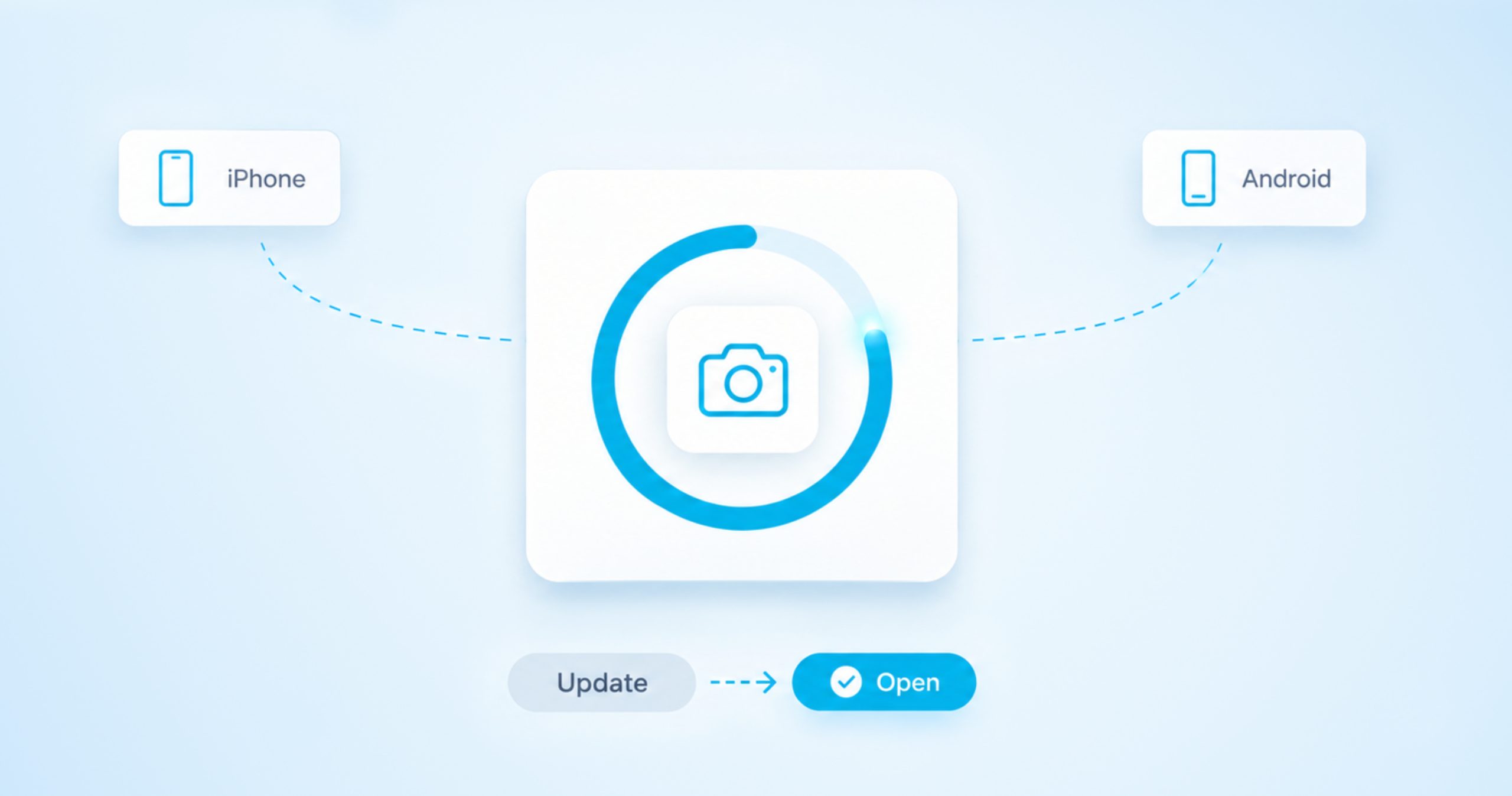
To update Instagram, open the App Store on an iPhone or Google Play on an Android phone, find Instagram and tap Update. On a good connection it takes about a minute, and you keep your posts, messages and settings. When it finishes, open the app as normal and carry on where you left off. You […] Read More

How To Turn Off Comments on a Facebook Post
• 29 October 2026
How To Turn Off Comments on a Facebook Post

Facebook only has a true off switch for comments on group posts. If you’re an admin, a moderator or the person who wrote the post, you can open the post’s menu and choose Turn off commenting. Posts on your own profile and on a Page work differently, because Facebook lets you limit who can comment […] Read More

How To Clear Your Spotify Queue on Phone and Computer
• 23 October 2026
How To Clear Your Spotify Queue on Phone and Computer

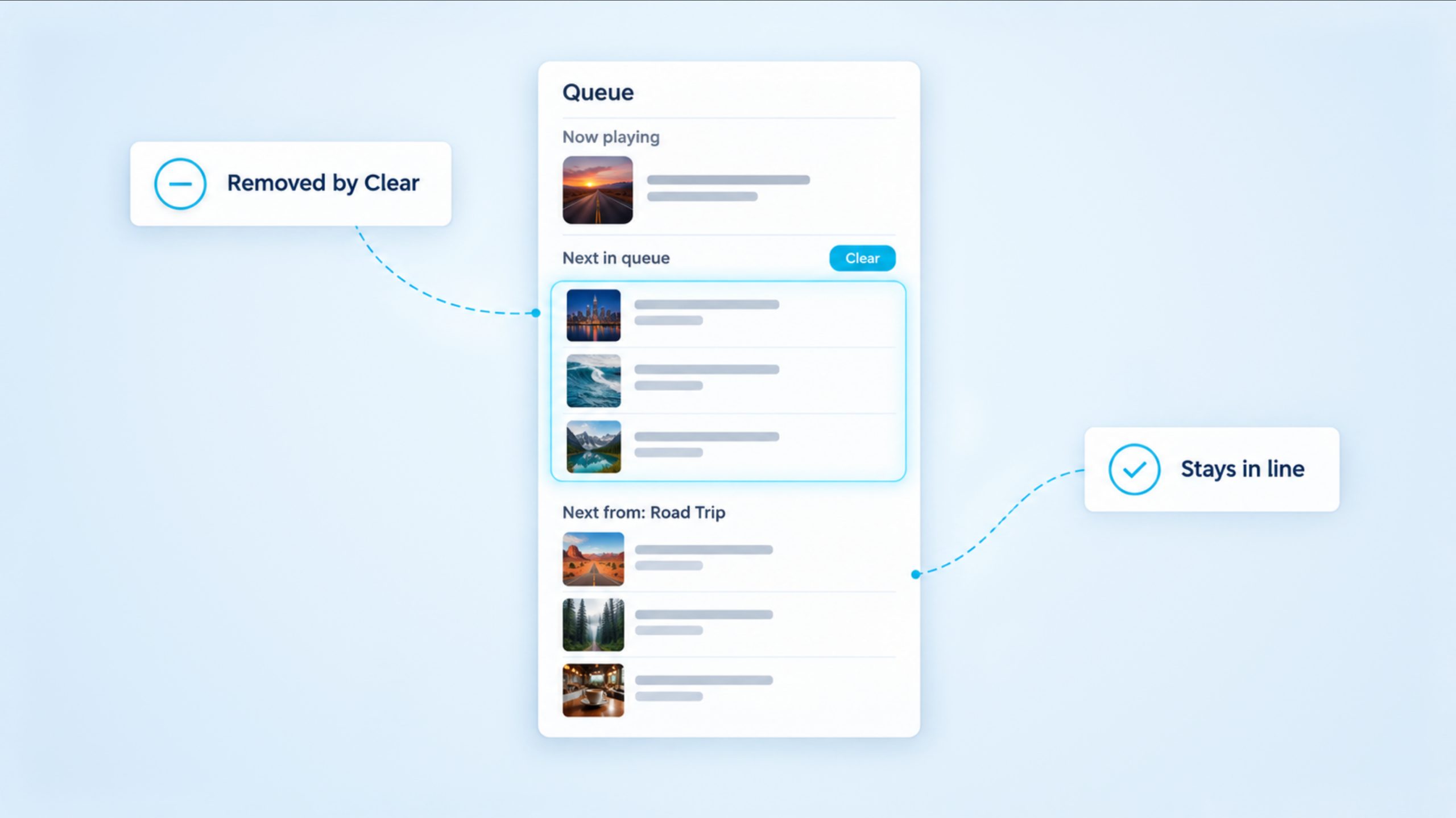
To clear your Spotify queue on a phone, open the Now Playing screen, tap the queue icon and tap Clear. On a computer or the web player, open the queue, select Clear queue and click Yes to confirm. Both buttons only remove the songs you added yourself, so if music keeps lining up after you […] Read More

How To See Who Doesn’t Follow You Back on Instagram
• 20 October 2026
How To See Who Doesn’t Follow You Back on Instagram

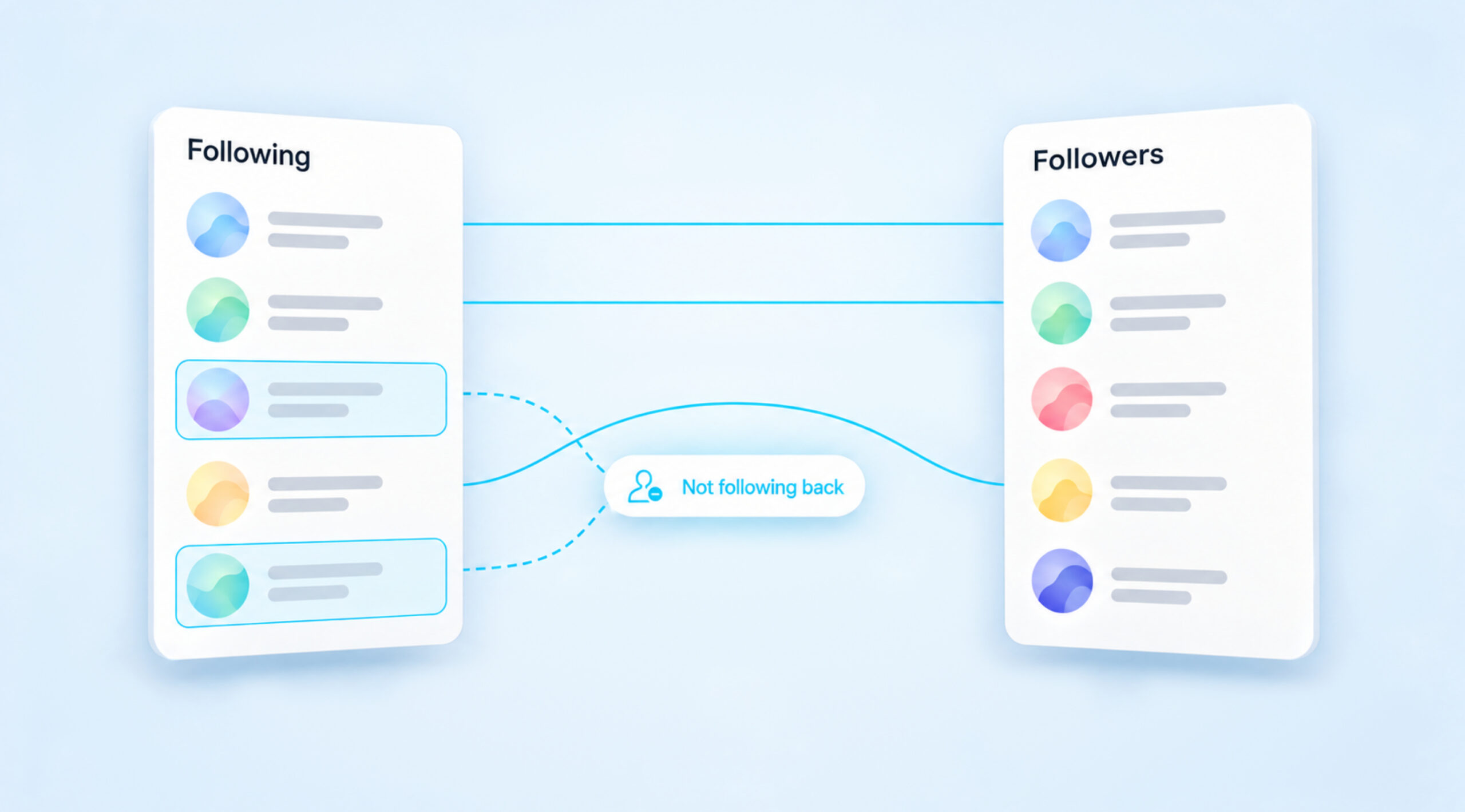
Instagram doesn’t give you a list of people who don’t follow you back, and it never has. You can still find them in two reliable ways. For one person, check their profile or search your own Followers list in the app. For everyone at once, request your Followers and Following lists from Instagram’s own export […] Read More

Does Twitter Have Profile Views? How To See Profile Visits on X
• 28 September 2026
Does Twitter Have Profile Views? How To See Profile Visits on X

Yes, Twitter, now X, keeps track of how often people open your profile, but it only ever gives you a number. The metric is called Profile visits, and it appears in two places: in the analytics for each of your posts and in the account analytics dashboard. Neither place shows the names of the people […] Read More

How To Clear Instagram Cache on Android, iPhone and Desktop
• 27 September 2026
How To Clear Instagram Cache on Android, iPhone and Desktop

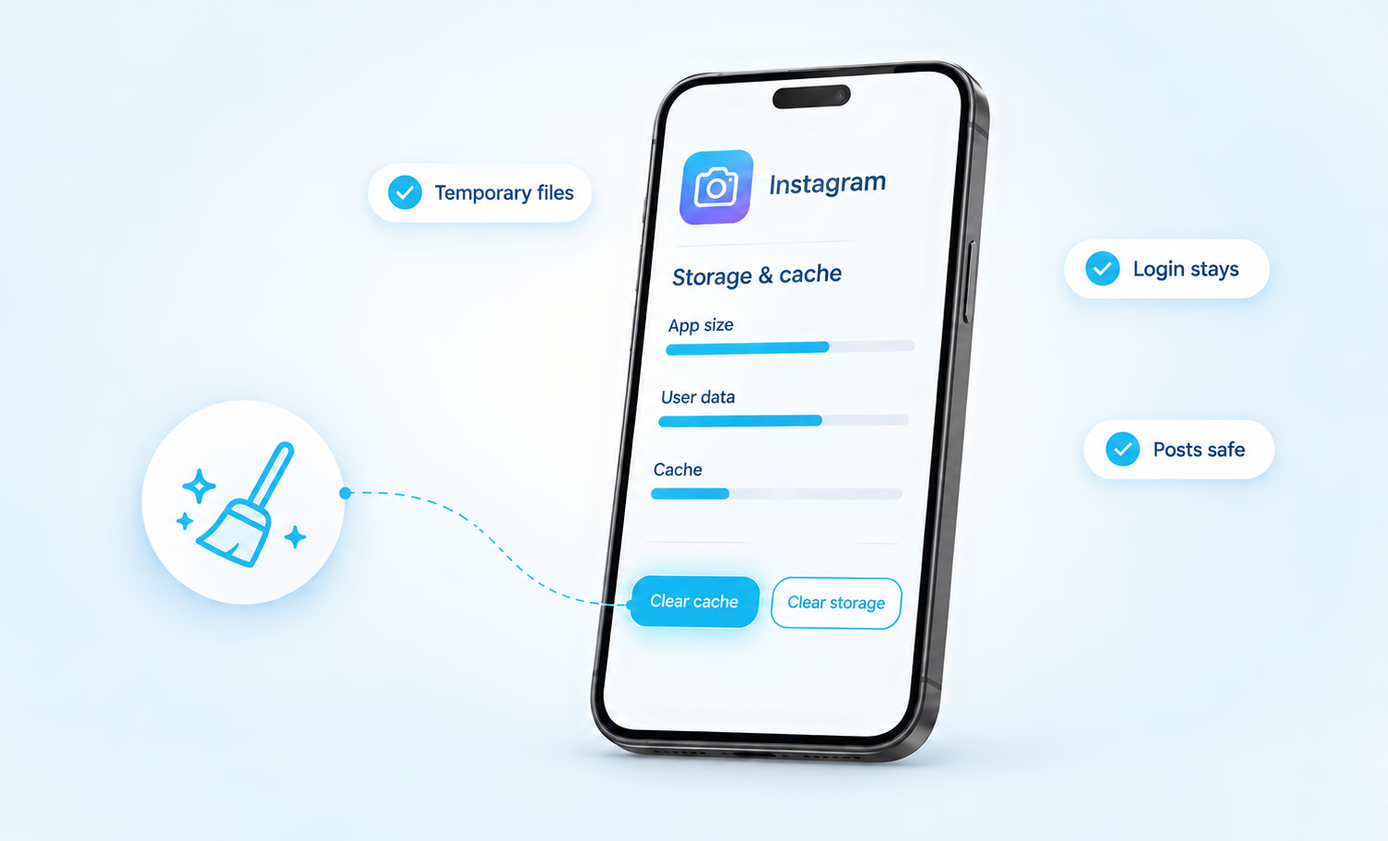
Where the cache button is:• Android: Settings > Apps > Instagram > Storage > Clear cache. Five taps, and you stay logged in.• iPhone: there is no cache button. Save your drafts, then delete Instagram and install it again.• Computer: clear your browser’s cached images and files, and leave cookies alone if you want to […] Read More

How To Find Liked Videos On Facebook
• 25 September 2026
How To Find Liked Videos On Facebook

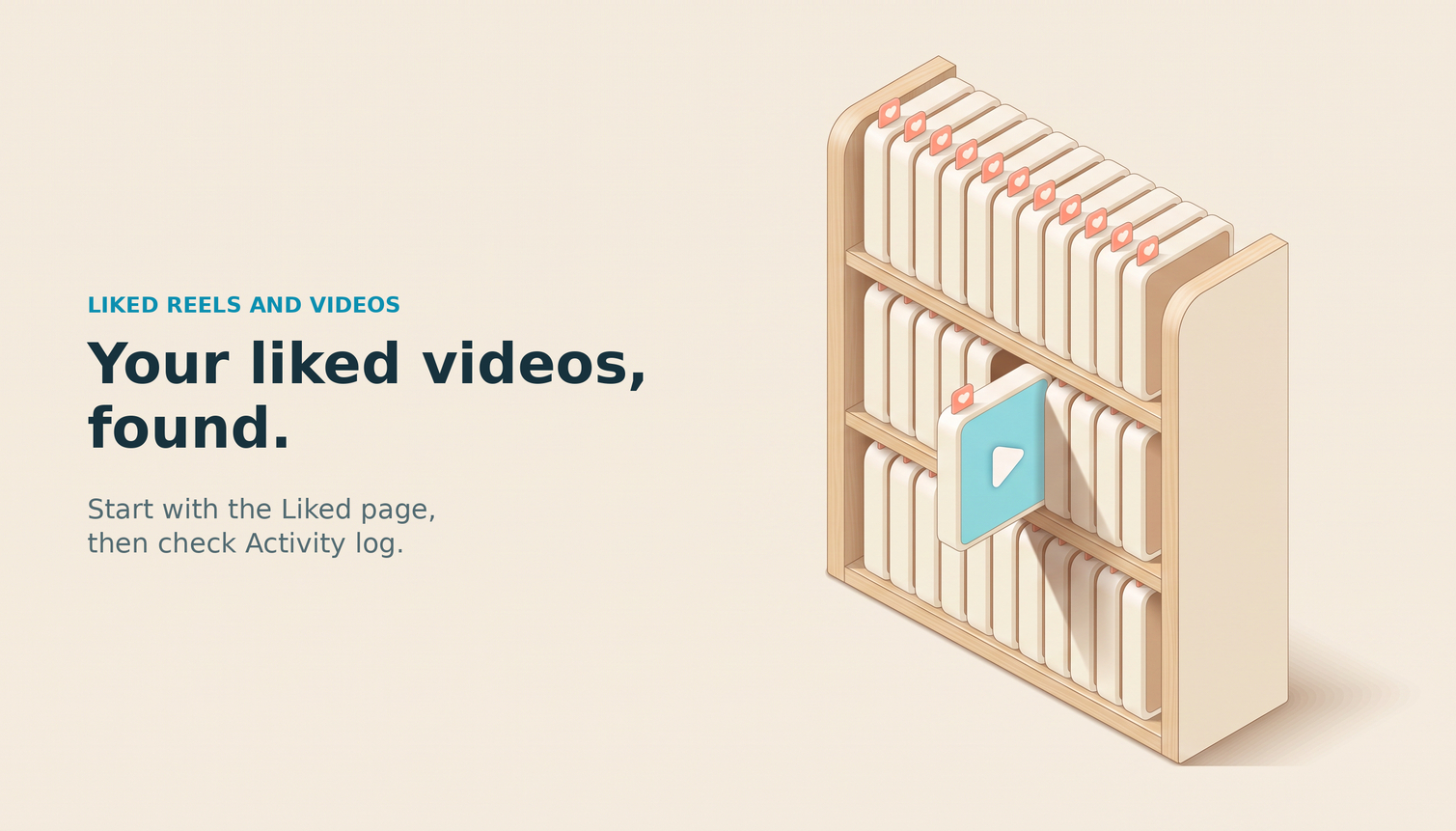
The quickest route:In the Facebook app, tap Menu, tap your name, open Reels and choose Liked. That page lists the reels and videos you liked, and only you can see it.If you reacted with something other than Like, or you are on a computer, open Activity log instead. It records every like and reaction you […] Read More

How Do I See My Followers On Facebook: Profile, Page, And Desktop
• 15 August 2026
How Do I See My Followers On Facebook: Profile, Page, And Desktop

The 30-second answer Facebook hides the follower list in a slightly different place depending on whether you use a personal profile, a business Page, or Professional Mode. The exact path also shifts between iPhone, Android, and the desktop web, and Facebook renames the section every few years. That is why the same simple question gets […] Read More

Save up to $10 OFF
Coupon $3 OFF
Coupon $5 OFF
Coupon $10 OFF
Boost your Instagram presence today
Real, fast delivery Drop-protected 30-day refill guarantee
Starting at $2.99
Glossary