Blog & Stories

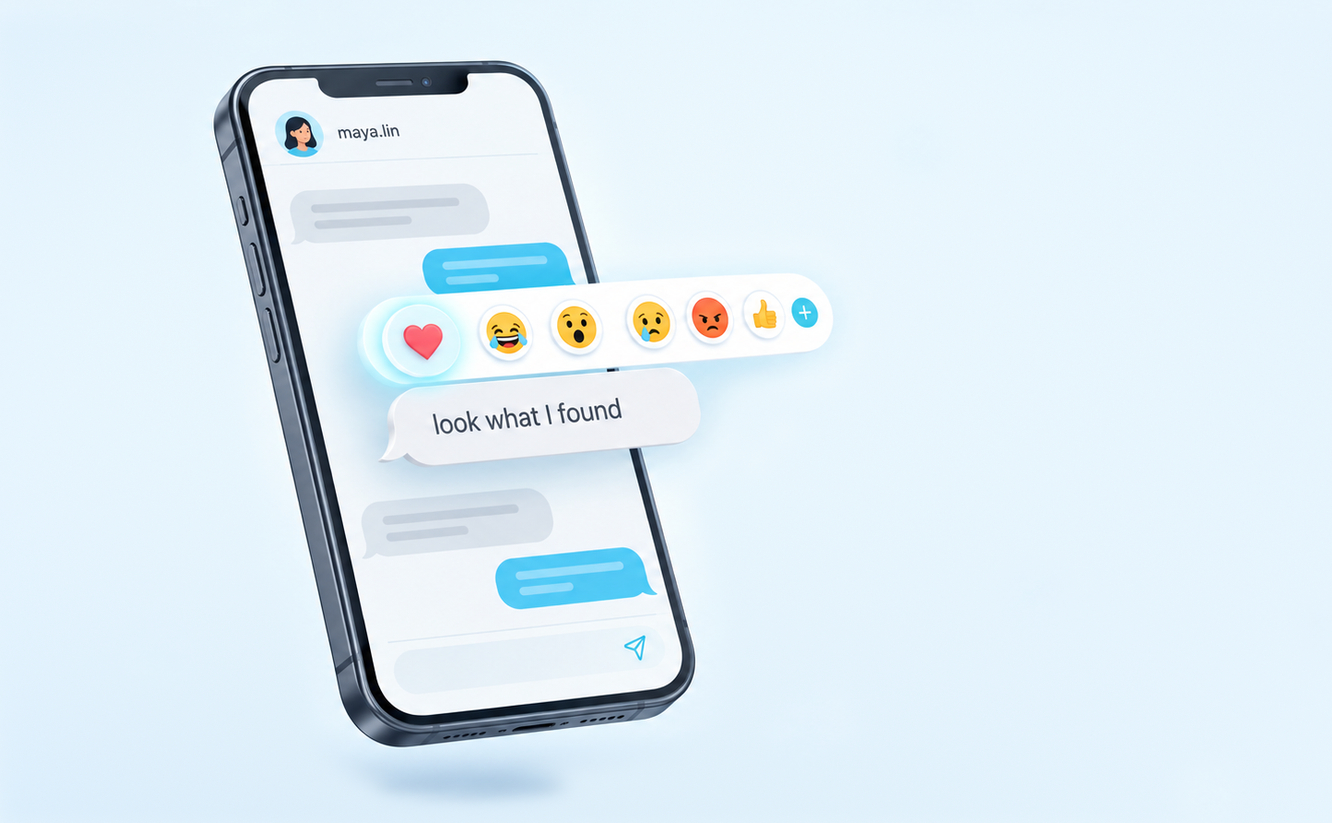
How To React to Messages on Instagram
• 30 September 2026
How To React to Messages on Instagram

Reacting to a message on Instagram puts a small emoji on that message instead of sending a new one. It’s the quickest way to say you liked something, found it funny or got the point, and it keeps the chat tidy because nothing new lands in the thread. There are three ways to do it, […] Read More

What Does It Mean When You Mute Someone on Instagram?
• 30 September 2026
What Does It Mean When You Mute Someone on Instagram?

Muting someone on Instagram hides their updates from you while you keep following them. Their posts stop showing up in your Feed, their stories leave the row at the top of your screen, and you can silence their messages and calls as well. Instagram’s help page on muting says it “won’t let them know you […] Read More

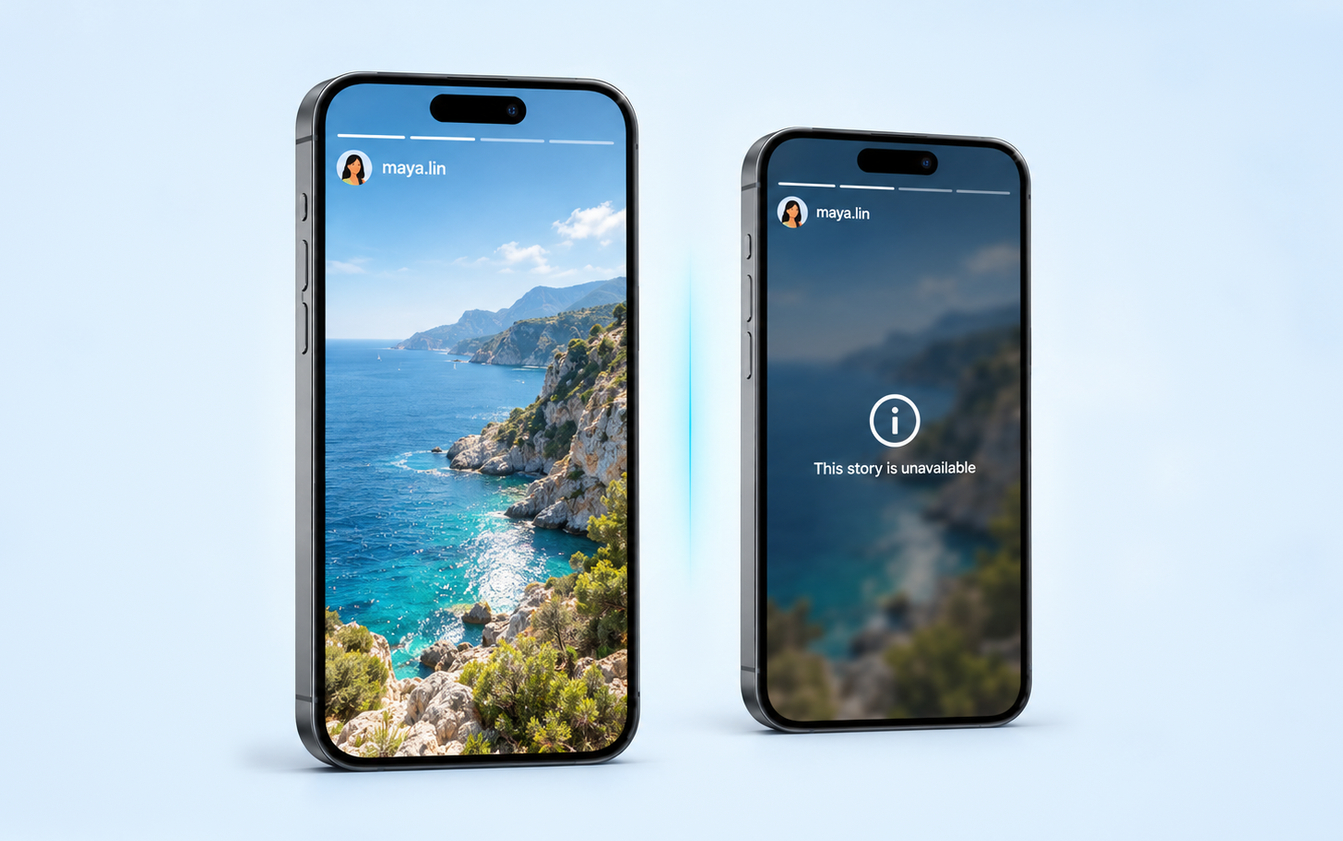
What Does “Story Unavailable” Mean on Instagram?
• 29 September 2026
What Does “Story Unavailable” Mean on Instagram?

“This story is unavailable” means Instagram can’t show you that story right now. Either the story no longer exists, because it expired, was deleted or was removed, or it still exists but isn’t shared with you, because it went to Close Friends, was hidden from you or sits on a private account you don’t follow. […] Read More

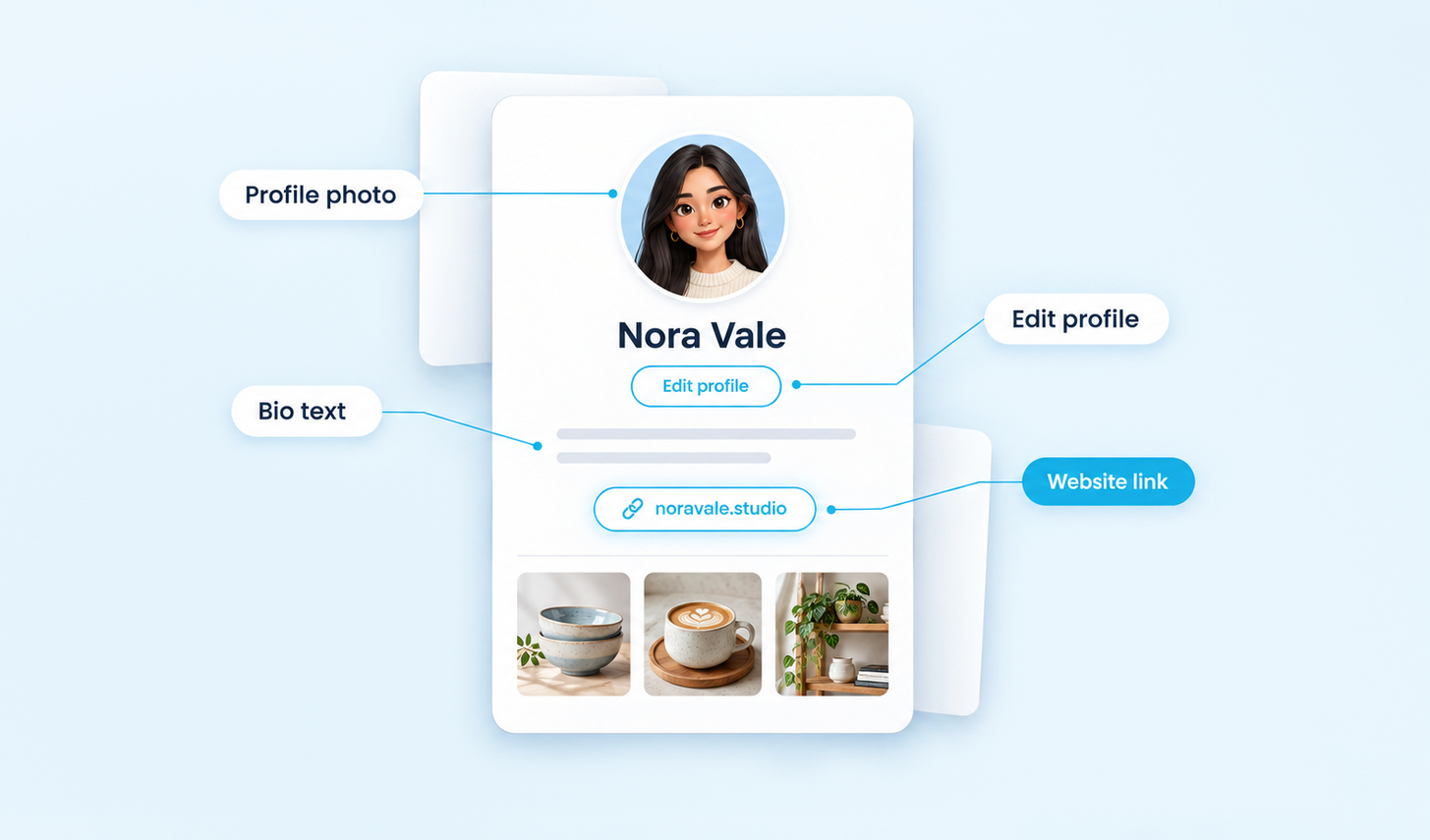
How To Add a Link to Your TikTok Bio: Step-by-Step Guide
• 29 September 2026
How To Add a Link to Your TikTok Bio: Step-by-Step Guide

TikTok gives every eligible profile one clickable website link, and you add it from the Edit profile screen in the app. The catch is eligibility. The option only appears once your account has 1,000 or more followers, or once it’s a business account that TikTok has verified. If you already qualify, these four steps take […] Read More

Why Can’t I See Comments on Facebook? Causes and Fixes
• 29 September 2026
Why Can’t I See Comments on Facebook? Causes and Fixes

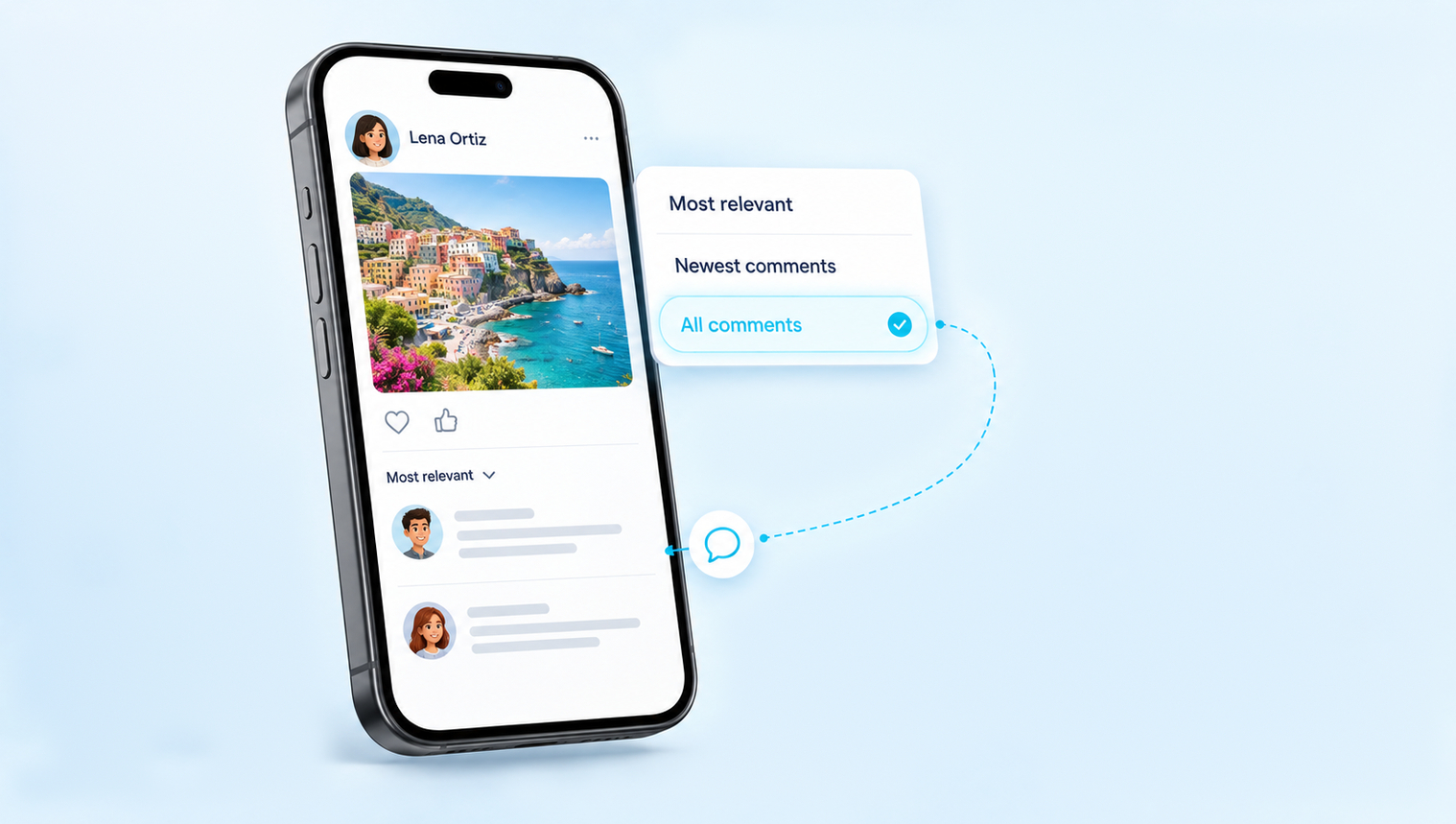
Most of the time, you can’t see comments on Facebook because the post is sorted by Most relevant. On Page posts and on profiles with a big following, Facebook ranks the comments and shows only a selection first, so the comment count can be far higher than the list you actually see. Tap the Most […] Read More

How To Change Spotify Username and Display Name
• 28 September 2026
How To Change Spotify Username and Display Name

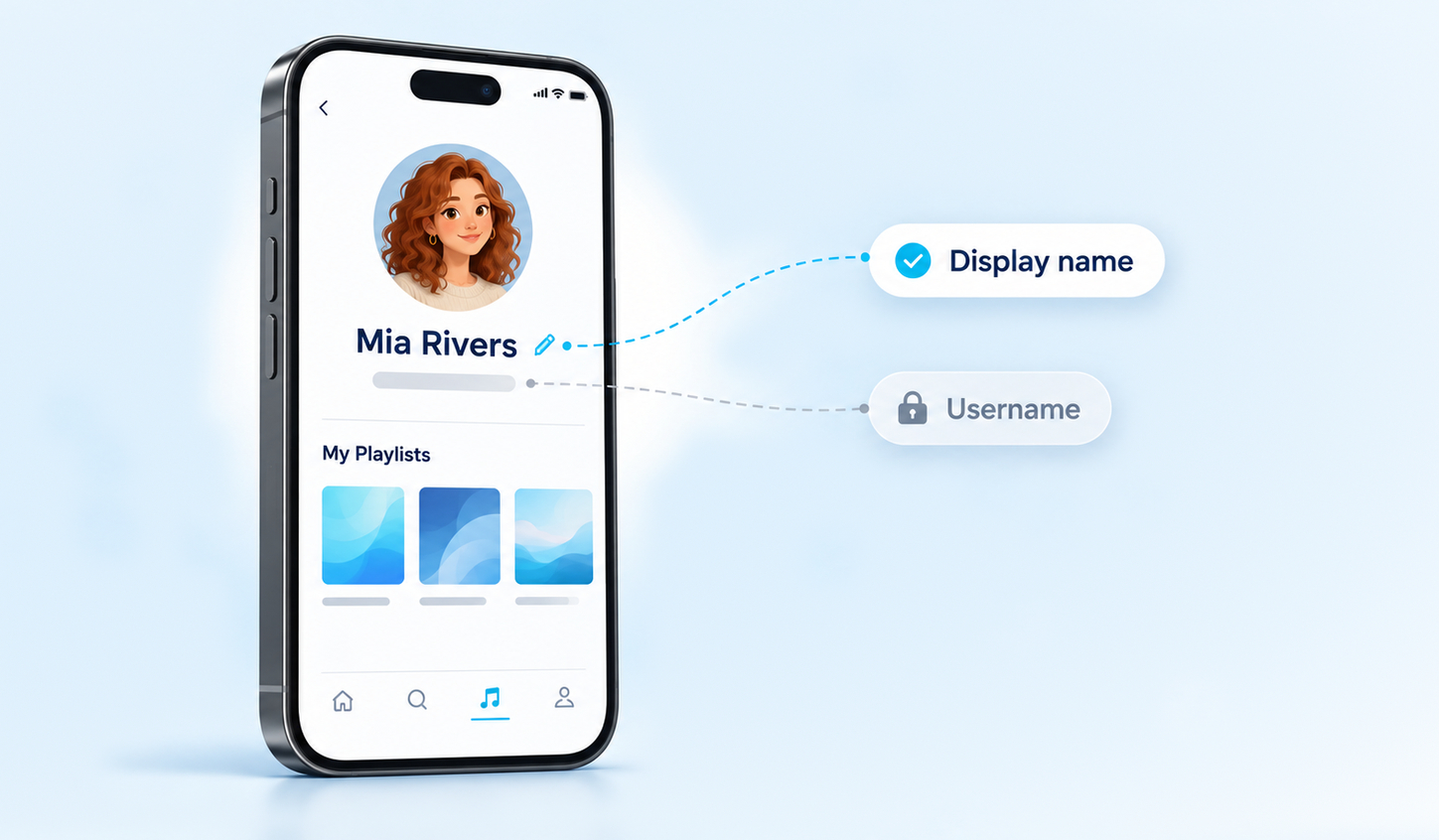
You can’t change your Spotify username. Spotify doesn’t offer the option anywhere in the app or on the web, because the username is the fixed ID that identifies your account behind the scenes. What you can change is your display name, which is the name people actually see on your profile and playlists, and it […] Read More

Does Twitter Have Profile Views? How To See Profile Visits on X
• 28 September 2026
Does Twitter Have Profile Views? How To See Profile Visits on X

Yes, Twitter, now X, keeps track of how often people open your profile, but it only ever gives you a number. The metric is called Profile visits, and it appears in two places: in the analytics for each of your posts and in the account analytics dashboard. Neither place shows the names of the people […] Read More

What Does Vanish Mode Mean on Instagram? How It Works and How To Turn It Off
• 28 September 2026
What Does Vanish Mode Mean on Instagram? How It Works and How To Turn It Off

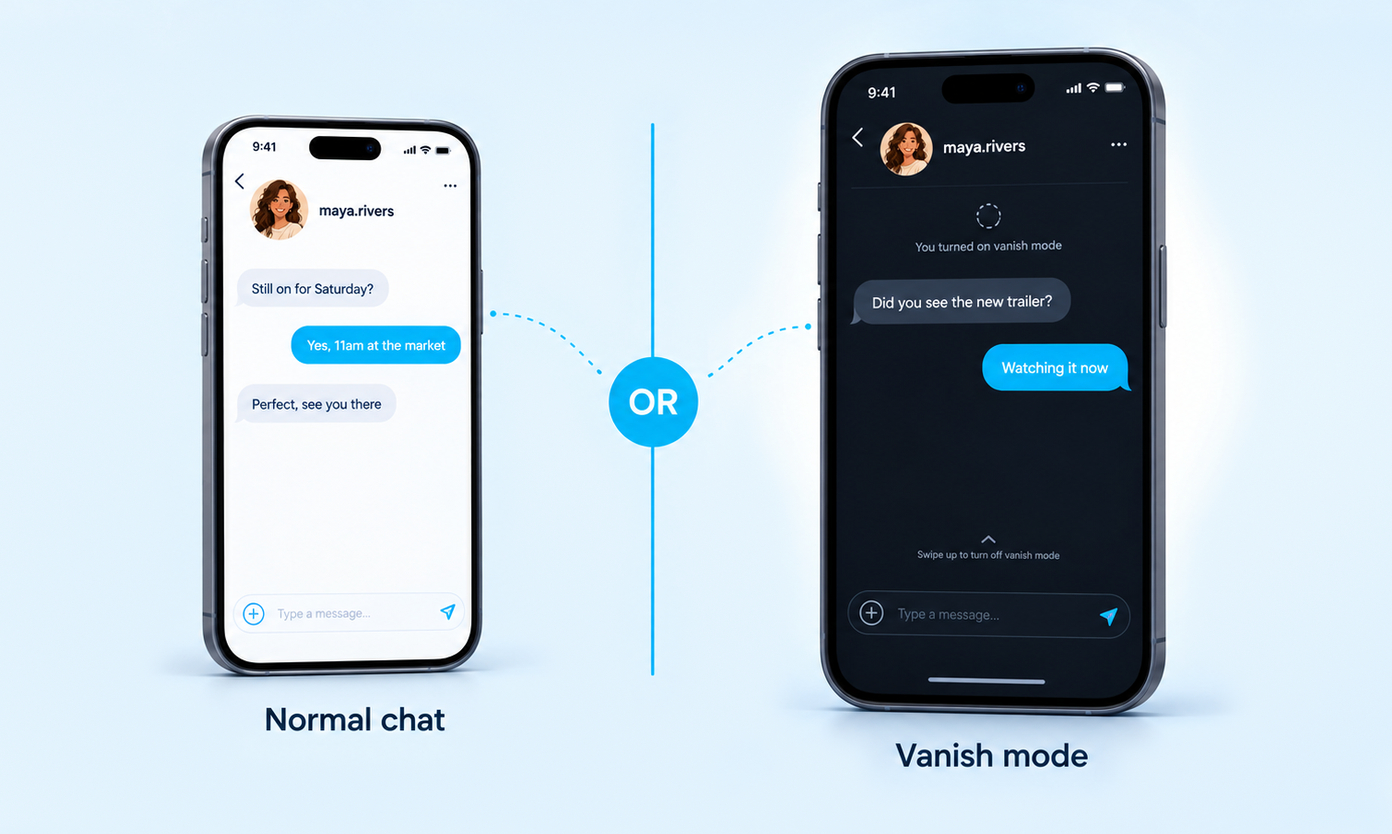
Vanish Mode is a setting inside a one-to-one Instagram chat that makes new messages temporary. Anything you send while it is on, including text, photos, videos and stickers, disappears once someone leaves the chat or switches the mode off. It does not touch the messages you sent before, and it does not delete anything from […] Read More

How To Clear Instagram Cache on Android, iPhone and Desktop
• 27 September 2026
How To Clear Instagram Cache on Android, iPhone and Desktop

Where the cache button is:• Android: Settings > Apps > Instagram > Storage > Clear cache. Five taps, and you stay logged in.• iPhone: there is no cache button. Save your drafts, then delete Instagram and install it again.• Computer: clear your browser’s cached images and files, and leave cookies alone if you want to […] Read More

How Much Money Do You Make on YouTube With 1 Million Subscribers?
• 27 September 2026
How Much Money Do You Make on YouTube With 1 Million Subscribers?

Short answer: most channels with 1 million subscribers earn somewhere between a few thousand and a few tens of thousands of dollars a month from YouTube itself, and sponsorships often add as much again. YouTube does not pay anything per subscriber. It pays for views, for ads shown on those views and for what fans […] Read More

Save up to $10 OFF
Coupon $3 OFF
Coupon $5 OFF
Coupon $10 OFF
Boost your Instagram presence today
Real, fast delivery Drop-protected 30-day refill guarantee
Starting at $2.99
Glossary
5 terms & definitions

Glossary Index