Instagram DMs are often private spaces for sharing messages, photos, and videos with friends, but it’s natural to wonder, does Instagram notify when you screenshot a DM? Many users are concerned about privacy and whether their actions are being tracked.
The short answer: Instagram does not notify users when you screenshot a regular DM, but it may send a notification if you screenshot a disappearing photo or video sent in a DM.
The truth is that Instagram’s notification rules depend on the type of message you’re dealing with. Some messages are safe to screenshot, while others may alert the sender immediately. Understanding these distinctions helps you stay informed and respect others’ privacy while navigating DMs.
- Instagram only notifies the sender when you screenshot disappearing messages or media in Vanish Mode, not regular DMs.
- Screenshots of standard text messages, photos, or videos in regular chat do not trigger notifications.
- Group chat screenshots generally do not send alerts unless they involve disappearing content.
- Knowing how Instagram handles screenshot notifications helps protect privacy and manage expectations when messaging.
Drive engagement through Instagram Iimpressions, likes, and saves that keep your content visible and relevant in the Instagram algorithm longer.
How Instagram Handles Screenshots
When it comes to screenshots, Instagram has different rules depending on the message type. For standard DMs, which include regular text messages, photos, and videos that aren’t set to disappear, Instagram does not notify the sender if you take a screenshot.
In fact, most DMs, including regular DMs and regular direct messages, do not trigger notifications when taking screenshots. Regular DMs allow users to freely screenshot standard text messages, voice notes, and permanent photos or videos without alerting the other user.
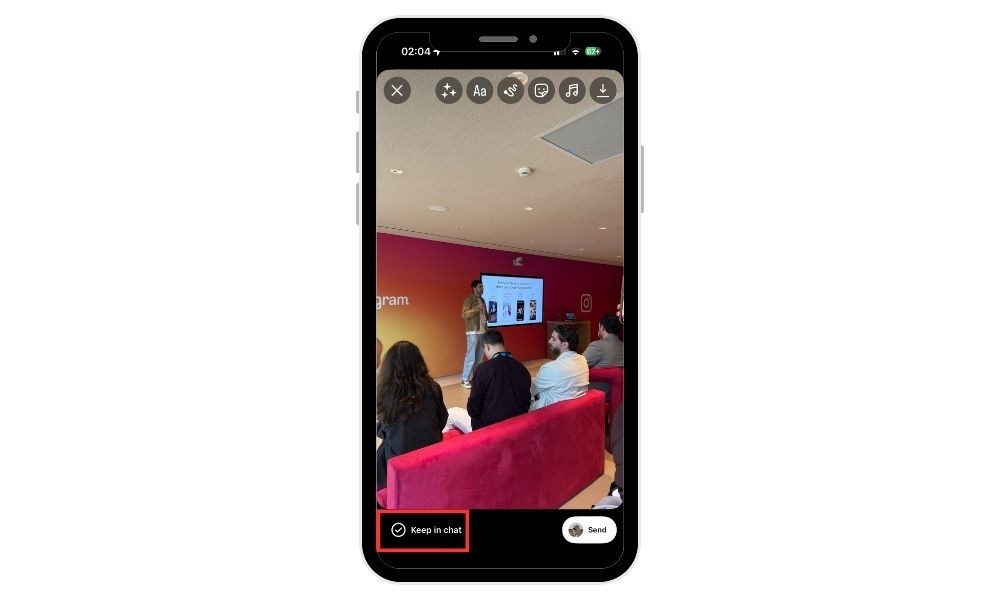
This means you can safely capture messages or media without alerting the other person, making taking screenshots of permanent photos and regular conversations private.
However, Instagram takes privacy more seriously with disappearing messages, especially photos and videos sent in Vanish Mode. Screenshots of these messages do trigger a notification to the sender.
Essentially, Instagram treats temporary content differently from permanent messages. While you can screenshot DMs and take a DM screenshot in regular DMs without Instagram notifying the other user, regular text messages are largely safe, but anything designed to disappear is tracked to prevent misuse or unwanted sharing.
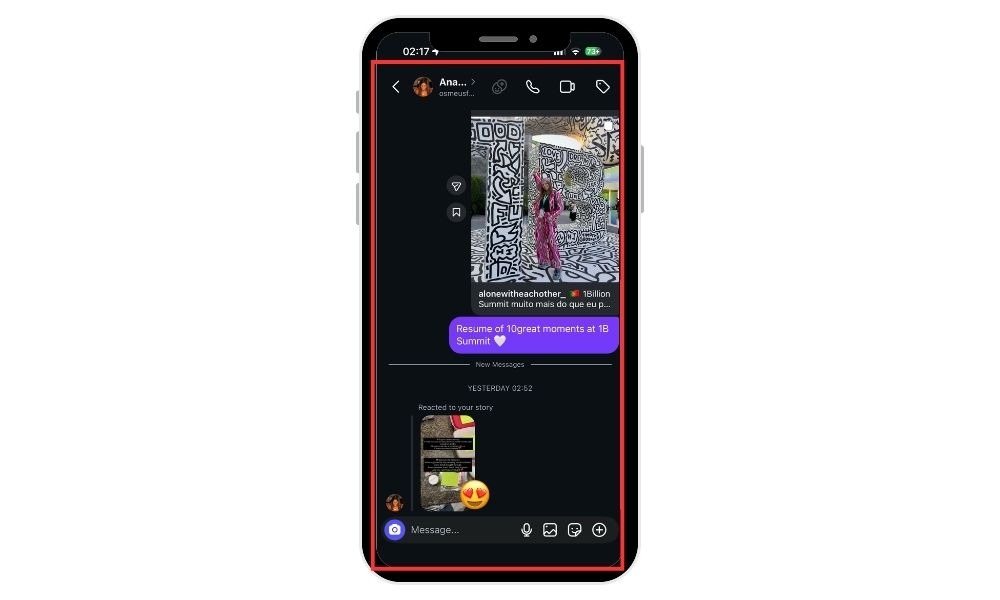
Screenshot Notifications in Vanish Mode
Vanish Mode is Instagram’s feature for sending temporary messages that disappear once they’re seen or when you exit the chat.
You can access Vanish Mode by swiping up in a chat, and it makes messages disappear after they’re viewed, ensuring added privacy.
It’s designed for private, fleeting conversations, and screenshots in Vanish Mode trigger notifications to the sender.
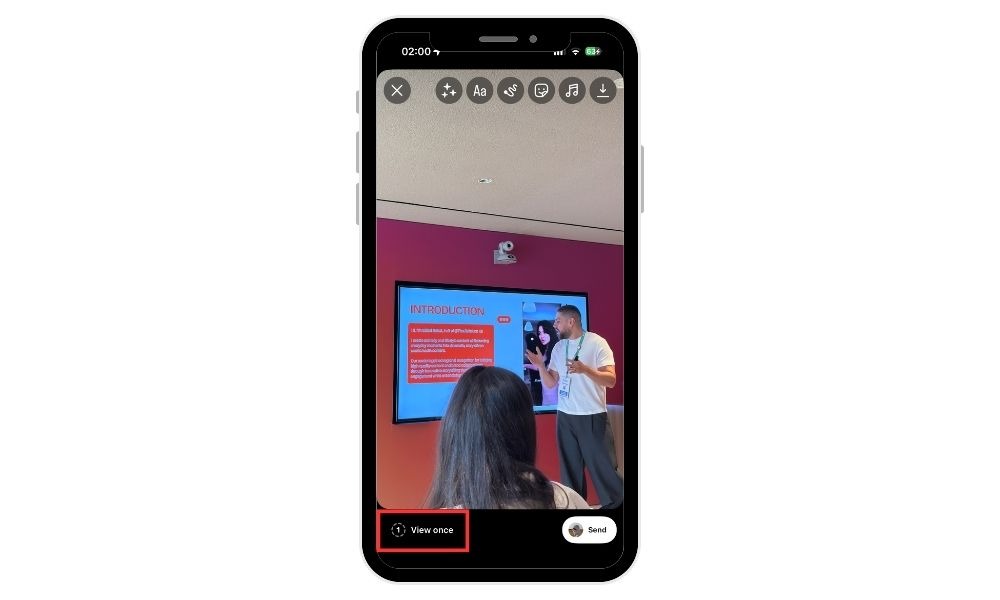
When someone takes a screenshot of a disappearing message, such as a disappearing photo or video, a small icon appears in the chat, letting the other person know that their content has been captured. For disappearing media, a small starburst icon will indicate that a screenshot was taken.
Screenshots in Group DMs
Group chats on Instagram generally operate differently from one-on-one DMs. For standard group messages, taking a screenshot does not notify other participants. This allows users to capture messages, media, or chat threads without alerting everyone involved.
However, when it comes to disappearing messages in group DMs, the rules are similar to Vanish Mode in one-on-one chats. Screenshots of these temporary messages will trigger notifications for other members who sent the content.
Users should be aware of this distinction to protect their privacy and avoid accidental sharing of sensitive group discussions.
Related: What Does Sticker Taps Mean on Instagram Story
Screen Recording on Instagram
Instagram does not notify users when someone uses screen recording to capture content on the platform. Whether you’re viewing Instagram stories, posts, or direct messages, Instagram does not send notifications to the other user if you record your screen.
This policy applies to both public and private accounts, so regardless of your privacy settings, screen recording remains undetectable by the app.
Just like with screenshots, Instagram does not notify users when someone records their posts, messages, or stories. This means people can still save disappearing content, such as stories or temporary messages, through screen recording without the sender knowing.
While this may feel convenient for saving content, it also means others can capture and store anything you share on Instagram, even if you intend it to disappear.
Instagram’s privacy features do not stop or report screen recording, so always keep in mind that others can save your content without your knowledge.
Related: What Does It Mean When Your Instagram Account Is Suspended?
From buying followers, likes, and views to boosting engagement on Instagram, TikTok, and other platforms, BuySocialMediaMarketing provides a variety of tools designed to increase visibility and improve social proof.
Tips for Protecting Privacy in Instagram DMs
Maintaining privacy on Instagram requires proactive habits. Here are some tips to consider:
- Avoid sending sensitive content in DMs. Even if a message disappears, there’s always a chance it could be screenshotted or shared externally.
- Use Vanish Mode for temporary messages. This adds a layer of privacy, as disappearing messages alert senders when screenshots occur.
- Be mindful of screenshots. Whether in standard or disappearing DMs, sharing screenshots outside the platform can breach trust.
- Review your chat settings. Adjust who can message you and enable restrictions if needed to maintain control over your DMs.
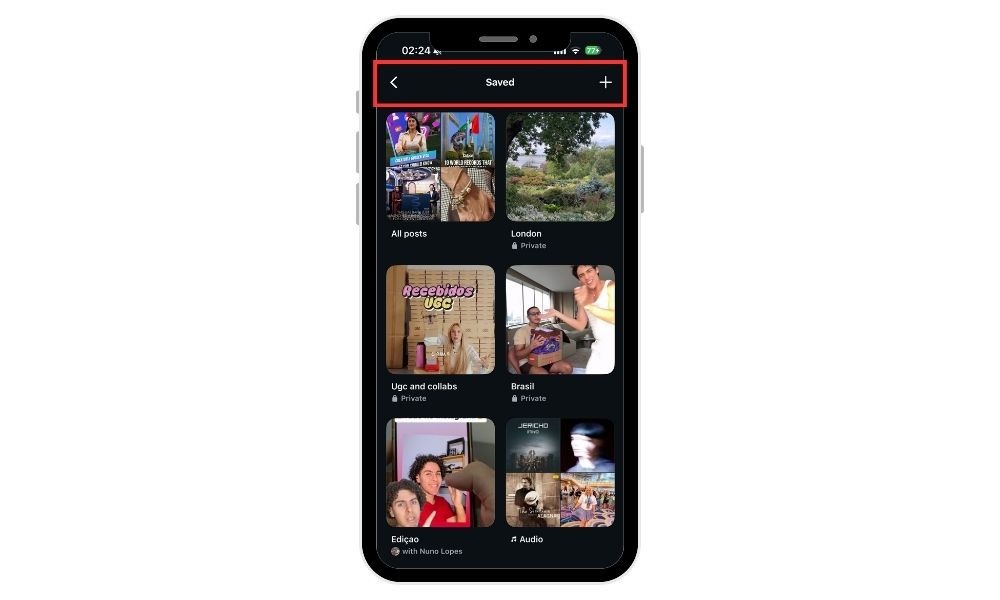
Additionally, instead of screenshotting posts, images, or videos to save content from an Instagram post or other Instagram content, you can use Instagram’s built-in Save feature.
By tapping the bookmark icon in the bottom right corner of a post, you can save posts privately without notifying the original poster.
Instagram also offers a Collection feature, allowing you to organize posts into personalized galleries for easy access later. This is a more secure and organized way to save and manage pictures, images, and videos compared to screenshotting posts.
BuySocialMediaMarketing offers professional services to help users grow their social media presence, such as Instagram followers and TikTok views, and gain a competitive edge in Instagram marketing.
Conclusion
In summary, standard Instagram DMs are safe to screenshot, while disappearing messages in Vanish Mode will notify the sender.
Group chats follow similar rules; regular messages are safe, disappearing ones alert the sender. Understanding these nuances helps you maintain privacy while using Instagram responsibly.
For more tips, strategies, and guides to grow your Instagram presence, explore BuySocialMediaMarketing, where you can learn how to increase engagement, protect your content, and maximize your reach.
FAQ
Does Instagram notify if I screenshot a normal text message?
No. Regular text messages in standard DMs do not trigger notifications. However, it’s always good practice to respect the privacy of the sender and avoid sharing their messages without consent.
What about photos or videos in standard DMs?
If they aren’t disappearing messages, Instagram does not notify the sender when you screenshot them. Keep in mind that even if notifications aren’t sent, content can still be shared outside Instagram, so share responsibly.
How does Vanish Mode work?
Vanish Mode lets you send temporary messages that disappear after the recipient views them or when you leave the chat. Vanish Mode notifies the sender if someone takes a screenshot. The feature adds an extra layer of privacy, but it doesn’t guarantee full control over how others use your content afterward.
Are group DMs different?
Yes. Screenshots of regular messages in group chats do not notify participants, but screenshots of disappearing messages do. Remember that group chats can involve multiple people, so any shared content could reach unintended viewers.
Can I fully prevent my messages from being screenshotted?
Not entirely. Vanish Mode adds privacy, but screenshots can still be shared outside Instagram. The safest approach is to only send sensitive information to people you fully trust and keep important content off social media if possible.