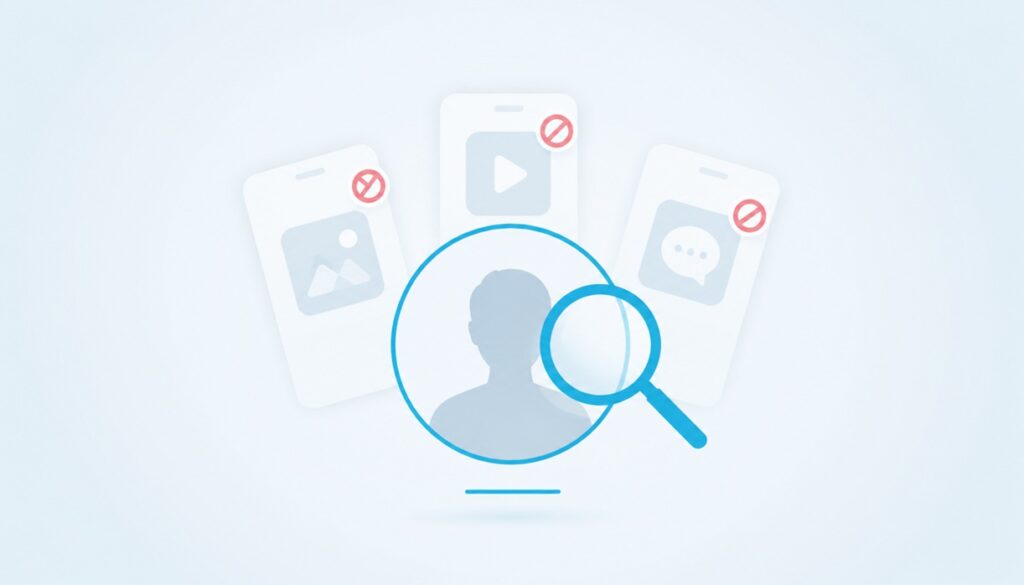
You came here looking for an app that shows you who has been peeking at your Instagram. Here is the short answer up top, before we waste your time: no app can do that. Not one. Instagram does not share profile-visitor data with any outside tool, and Meta has confirmed it on the record. Everything advertised as a stalker tracker is guessing, harvesting, or scamming.
That said, the curiosity is real, and the top ten apps people search for keep showing up in app stores. This guide walks through what each one actually does, the three patterns every fake stalker app falls into, and the signals Instagram does give you for free. By the end you will know exactly what to ignore and what to use instead.
Why No App Can Actually Do This
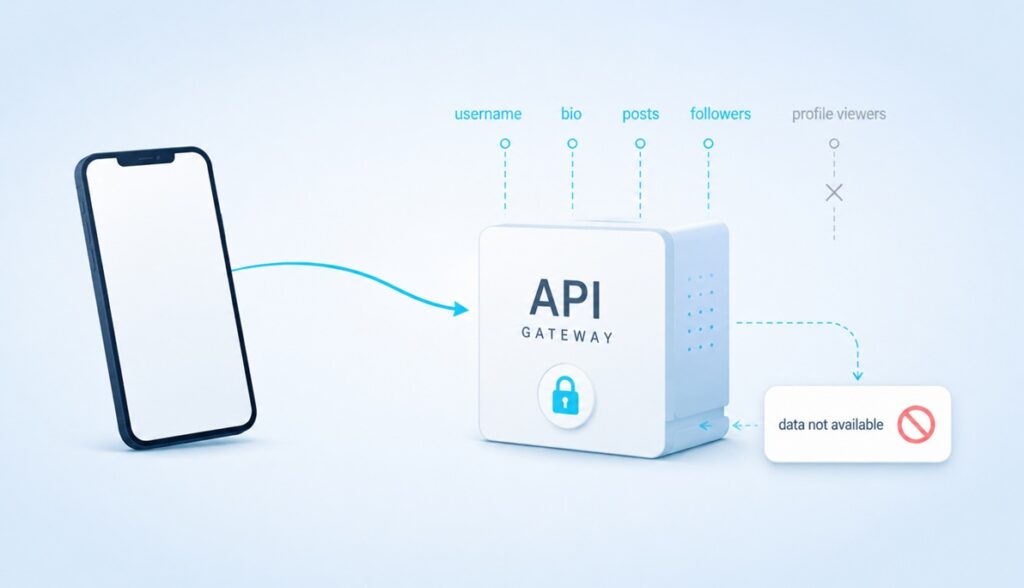
Instagram runs on a developer platform called the Graph API. That is the only legitimate channel an outside app can use to read information from your account. The Graph API exposes things like your username, your bio, your follower count, your media, your insights metrics. It does not expose a list of accounts that viewed your profile. There is no endpoint, no permission, no scope that returns that data.
Meta has been asked about this directly. A Meta spokesperson told the press that there is no way for Instagram users to see who is viewing their profile the most on Instagram, and that the only public surface where you can see who viewed your content is Stories. Nothing has changed in the years since, and there is no signal anything will change.
So when an app on the store shows you a list called “your top viewers” or “potential stalkers,” that list was not delivered by Instagram. It was generated some other way, which is what we get into next.
The Three Types Of Fake Stalker Apps
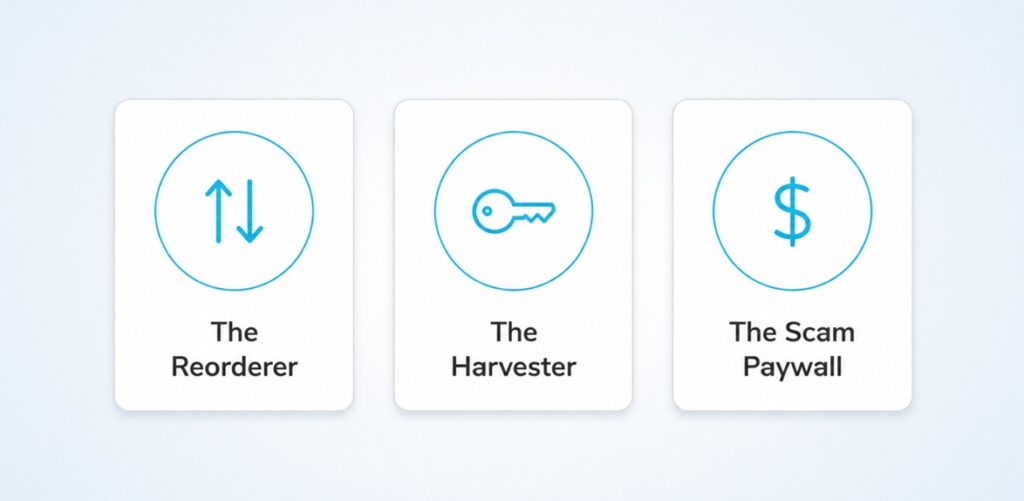
Every app that claims to show your stalkers falls into one of three patterns. Once you can name the pattern, you can spot the trick in about ten seconds.
1. The Reorderer
This is the most common kind. The app asks for your Instagram login or for read access through the official API, pulls the followers and following lists you can already see yourself, scores each one by how often they liked, commented, or appeared in your tagged photos, then sorts that list and calls the top ten “your profile viewers.” It is your own follower list with a new label on it. Nothing about visit data was ever fetched.
2. The Harvester
This app needs your real Instagram password to “work.” Once you hand it over, it logs into your account from a server, scrapes your contacts and DMs, posts spam in your name, follows other accounts to inflate someone else, or simply files the password into a database that gets sold on credential markets. The “viewer list” is fake. The credential harvest is the actual product.
3. The Scam Paywall
You install the app, it shows you a teaser list of blurred profile pictures, and tells you the full list is one cheap subscription away. You pay. The full list is more random accounts you have never interacted with, or the same teaser without the blur. The subscription auto-renews every week and is buried three menus deep to cancel.
The Top 10 Apps People Search For
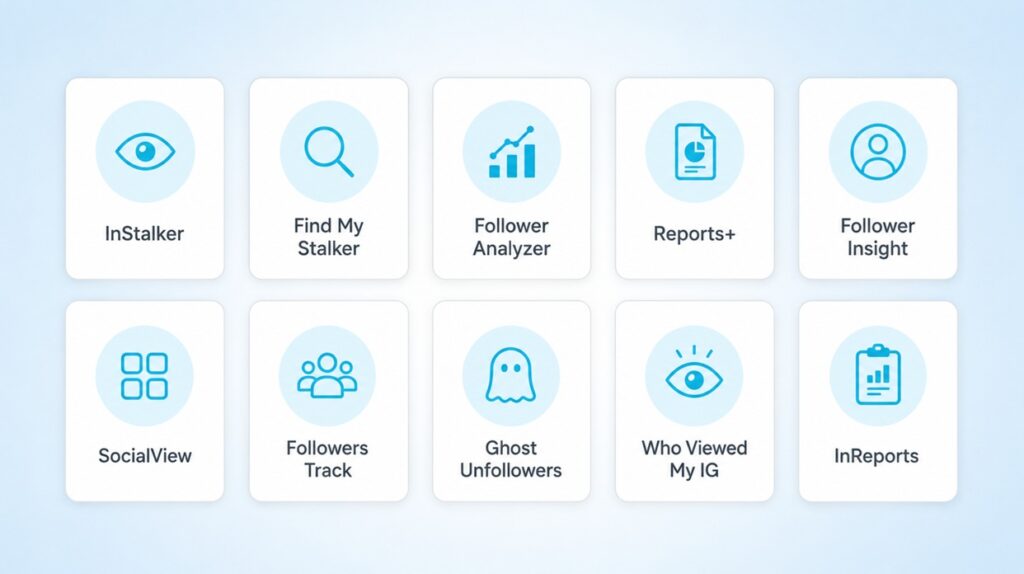
Here are the ten apps that show up most often when people Google “who stalks my Instagram.” For each one: what it claims, what it actually does, and where it falls on the three-types chart above. No endorsements. Treat this as a field guide, not a shopping list.
1. InStalker: Profile Tracker
Claims: Promises a ranked list of accounts that “frequently visit” your profile.
Reality: Reorderer. Pulls your followers, ranks them by interaction frequency, calls the top of the list “viewers.” The same data Instagram already shows you in the followers tab, with a sort applied.
2. Find My Stalker
Claims: Says it reveals admirers, frequent visitors, and “people you might know based on Instagram interactions.”
Reality: Reorderer with a recommendations layer. Suggestions come from public mutual-follow data, not from any visit log.
3. Follower Analyzer
Claims: Markets follower growth insights and a “ghost follower” detector.
Reality: Reorderer. The ghost-follower feature is real and useful, the profile-viewer claim is the trick that sells the rest.
4. Reports+ for Instagram
Claims: Comprehensive account insights, supposedly including “who has visited your profile.”
Reality: Reorderer plus scam paywall. The dashboard is free, the “viewers” tab is the upsell, the data is invented.
Want your Instagram to actually take off?
Real accounts. Real engagement. No bots, no shadowbans, ever.
See our Instagram services5. Follower Insight for Instagram
Claims: In-depth follower reports, ghost-follower tracking, and a profile-viewer indicator.
Reality: Reorderer plus scam paywall. The follower diff is real, the viewer claim is decoration.
6. SocialView for Instagram
Claims: Calls itself a personal Instagram analyst that flags silent viewers.
Reality: Reorderer. Pretty interface, same trick. The “silent viewers” tab is just your followers who never liked anything.
7. Followers Track for Instagram
Claims: Shows the followers paying the most attention to your posts.
Reality: Reorderer. Honest about its inputs if you read the fine print, dishonest in its app store screenshots.
8. Ghost Unfollowers for Instagram
Claims: Identifies ghost followers and profile viewers.
Reality: Reorderer. The ghost-follower part is legitimate. The “profile viewers” tab is invented from the same data.
9. Who Viewed My IG / InstaProfile
Claims: Promises a list of frequent profile peekers.
Reality: Reorderer plus harvester risk. Smaller developer footprint, more permission requests, higher harvest odds.
10. InReports
Claims: Insights dashboard with top-engaged users and profile visitors.
Reality: Reorderer plus scam paywall. Engagement leaderboard is real, profile-visitor list is decorative.
What Instagram Actually Shows You
Instagram does give you a lot of signal. None of it is a “who viewed my profile” list, but if you put the pieces together you get most of what you wanted in the first place.
Six legit signals you can use today:
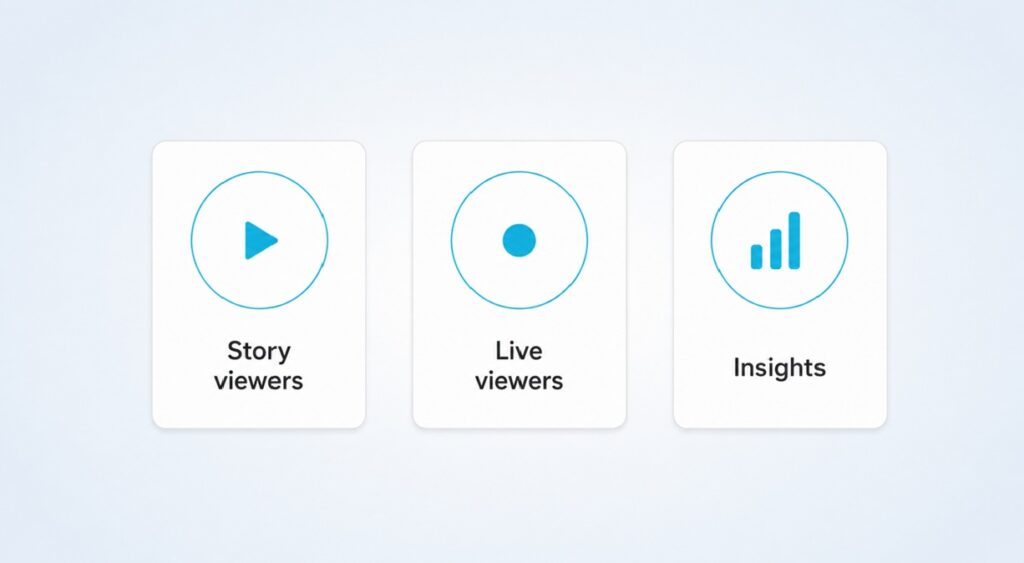
- Story viewers. Open any active Story, swipe up. You see the exact list of accounts that watched it, including non-followers who came in through search. This is the only place names are revealed.
- Highlight viewers. While a Story is still in its first 24 hours, the highlight version shows the same viewer list. After 24 hours, the list freezes to whoever watched the original.
- Live session joins. When you go live, you see each account that joins, who comments, and who sends a heart, in real time.
- Post engagement. Likes, comments, saves, shares. Those names are public on your post. The accounts most active on your posts are the most likely to be visiting your profile too.
- Insights aggregates. Switch to a Business or Creator account and you unlock profile visits as a number per week or month, plus reach, follows, content interactions. No names, but the count tells you when a profile is trending.
- Mentions and tags. Notifications show every account that tagged you in a post, Story, or comment. These are the visitors who took the extra step.
Smart Workarounds That Stay Inside Instagram
A few low-effort tricks that stay inside the platform and pull more signal out of what Instagram already gives you.
The fresh Story. Post a Story right after changing your profile picture or your bio. The viewer list of that Story, especially in the first few hours, is the closest thing to a who-checked-on-me roll call you will ever get on Instagram.
Switch to a Creator or Business account. It is free, takes thirty seconds, and unlocks Insights. The profile visits count alone tells you when something you posted nudged your profile traffic.
Hide your Stories from one account and watch what happens. If you suspect a specific viewer, use the Hide Story From list to remove them. If their engagement on your feed posts also drops, you had your answer.
Change your PFP and post something new at the same time. People who quietly check on you almost always notice. Engagement patterns after a visible profile change are a soft viewer signal.
Use Close Friends as a tripwire. Post a Story with a very specific hook to a small Close Friends list, watch who reacts inside Instagram, and you have a clean read on who was paying attention.
| Quick check: None of these tricks need an outside app. Everything is one or two taps inside Instagram itself. |
Red Flags Before You Hand Over Your Password
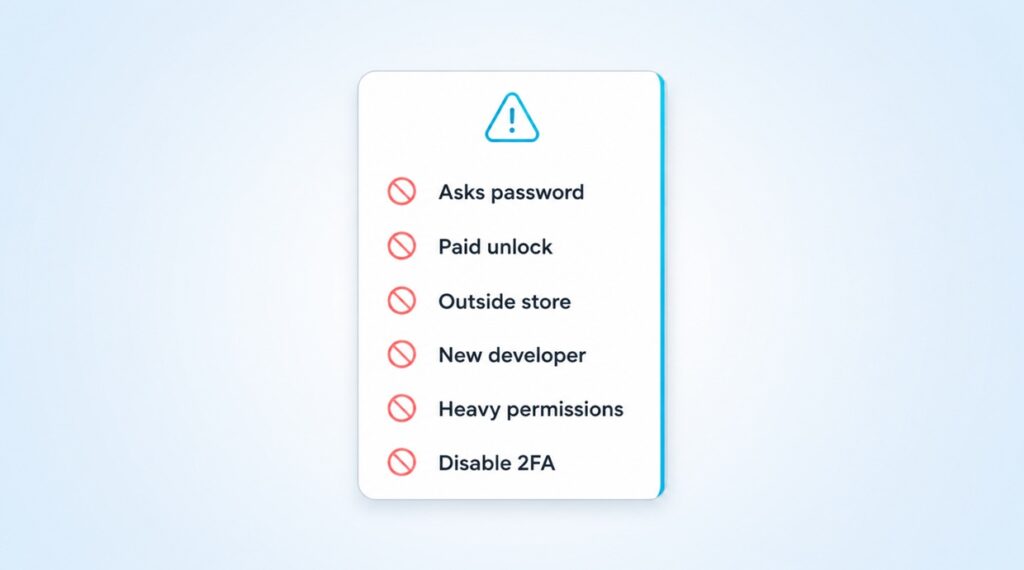
If you still want to try one of the apps, run it past this checklist first. Any single yes is reason enough to delete it.
- It asks for your Instagram password directly inside the app. Legitimate Meta-integrated tools use the official login flow on instagram.com, never an in-app password field.
- It requires a paid subscription to “unlock” the viewer list. Real data does not get held behind a paywall, and the most-searched stalker apps do this exact thing.
- You found it outside the Apple App Store or Google Play. Sideloaded APKs and “alternative store” downloads are the riskiest category.
- The developer name is brand new, has no other apps, or the reviews look obviously copy-pasted.
- The permission request includes contacts, SMS, device admin, or accessibility services. None of those are needed to look at Instagram.
- It asks you to disable two-factor authentication or “trust the device” first. This one is the textbook account-takeover setup.
The Privacy And Account-Safety Cost
The biggest hidden price of trying one of these apps is your own account.
Account takeover is the most common outcome of handing over your Instagram password. The attacker logs in from their server, changes the recovery email, removes your phone number, and you are locked out by the time you notice. Recovery from a hijacked Instagram account can take weeks and sometimes never finishes.
Even apps that do not steal credentials still violate the terms you agreed to when you signed up for Instagram. Meta detects automated access and can lock your account temporarily as a precaution, which means the app you installed to learn about your followers is now the reason you cannot reach them.
Sold credentials end up on credential-stuffing markets. If you reuse your Instagram password anywhere else, which most people quietly do, every other account using that password is exposed too. The curiosity is rarely worth that trade.
FAQs About Instagram Profile Viewers
Can Instagram itself show me who viewed my profile?
No. Instagram does not have a feature that reveals which accounts visited your profile. The only place inside the app where you see exact viewer names is Stories, and that is for the Story specifically, not the profile.
Are any of these stalker apps actually safe to try?
Not really. The safest ones are reorderers that just sort your followers list, and even those usually ask for permission to data you do not need to give. The unsafe ones harvest your password. There is no app in this category that returns real profile-viewer data, because that data does not exist outside Instagram.
What is the closest legit way to see who looks at me?
Post a Story and check the viewer list. Add a fresh Story right after any profile change. Cross-reference your most active commenters and likers with people who keep showing up in your Story viewer list, and you will have your short list.
Does a Business or Creator account unlock viewer names?
It unlocks Insights, which shows a profile visits count, reach, impressions, and follow changes. None of those are names. The trade is anonymous aggregated data for individual identities.
If I block someone, can I tell whether they were watching?
Indirectly. After you block an account, they can no longer see your profile, your posts, or your Stories. If they were the source of a steady trickle of Story views you cannot explain, the count usually shifts in the days after a block. It is not proof, but it is signal.
Will Instagram ever add a real “who viewed my profile” feature?
There is no public roadmap for it, and Meta has reaffirmed the privacy stance more than once. The feature exists on some other platforms and has caused enough user pushback that Meta has shown no appetite to copy it.