Category: Instagram

How To React to Messages on Instagram
• 30 September 2026
How To React to Messages on Instagram

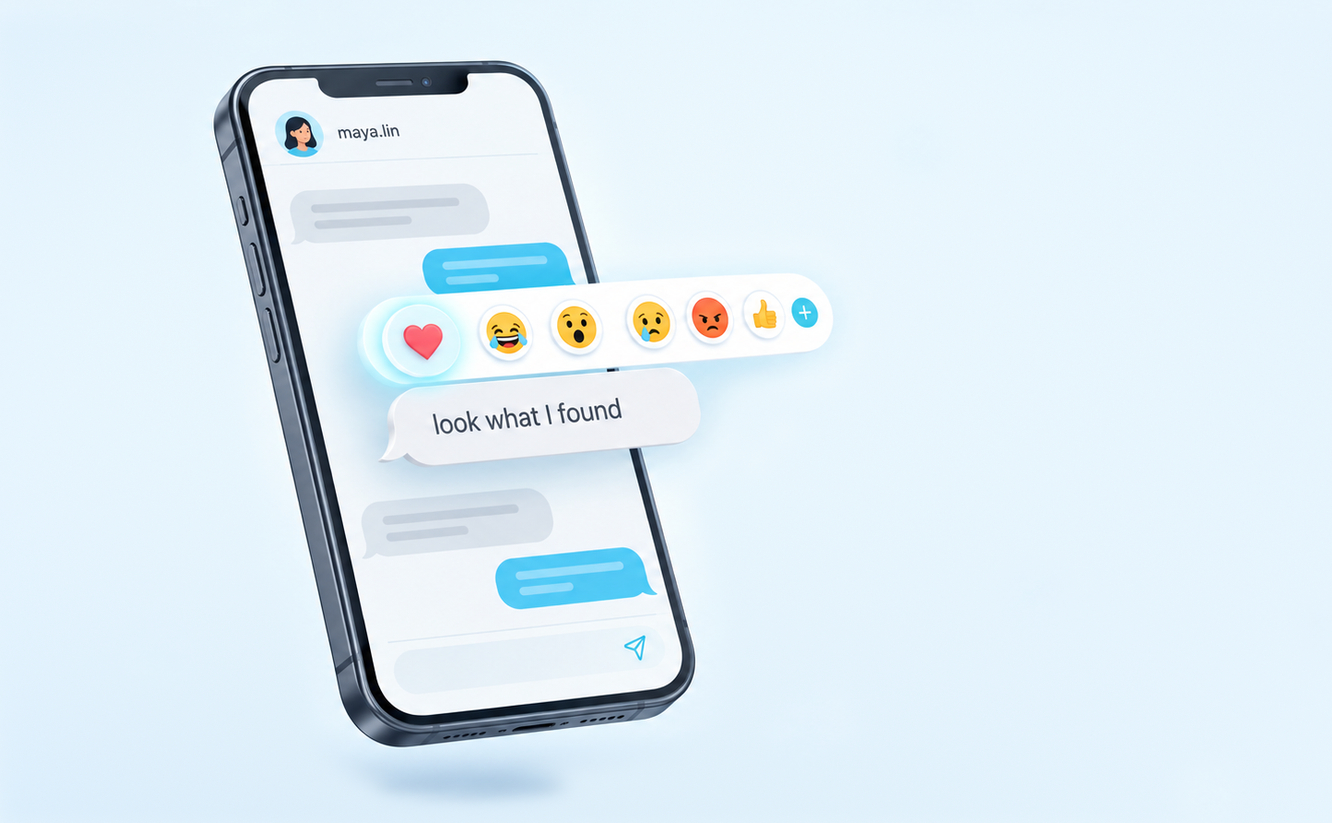
Reacting to a message on Instagram puts a small emoji on that message instead of sending a new one. It’s the quickest way to say you liked something, found it funny or got the point, and it keeps the chat tidy because nothing new lands in the thread. There are three ways to do it, […] Read More

What Does It Mean When You Mute Someone on Instagram?
• 30 September 2026
What Does It Mean When You Mute Someone on Instagram?

Muting someone on Instagram hides their updates from you while you keep following them. Their posts stop showing up in your Feed, their stories leave the row at the top of your screen, and you can silence their messages and calls as well. Instagram’s help page on muting says it “won’t let them know you […] Read More

What Does “Story Unavailable” Mean on Instagram?
• 29 September 2026
What Does “Story Unavailable” Mean on Instagram?

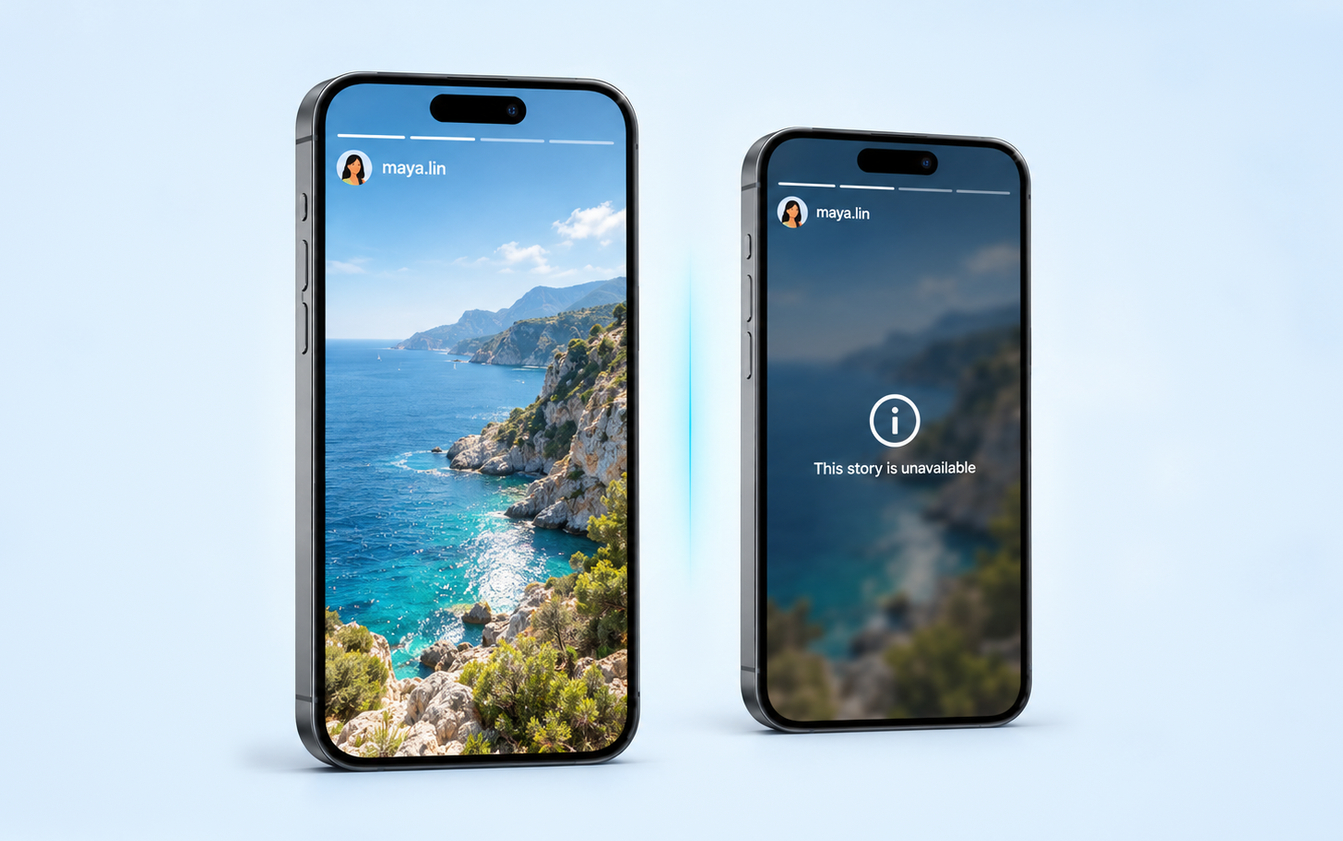
“This story is unavailable” means Instagram can’t show you that story right now. Either the story no longer exists, because it expired, was deleted or was removed, or it still exists but isn’t shared with you, because it went to Close Friends, was hidden from you or sits on a private account you don’t follow. […] Read More

What Does Vanish Mode Mean on Instagram? How It Works and How To Turn It Off
• 28 September 2026
What Does Vanish Mode Mean on Instagram? How It Works and How To Turn It Off

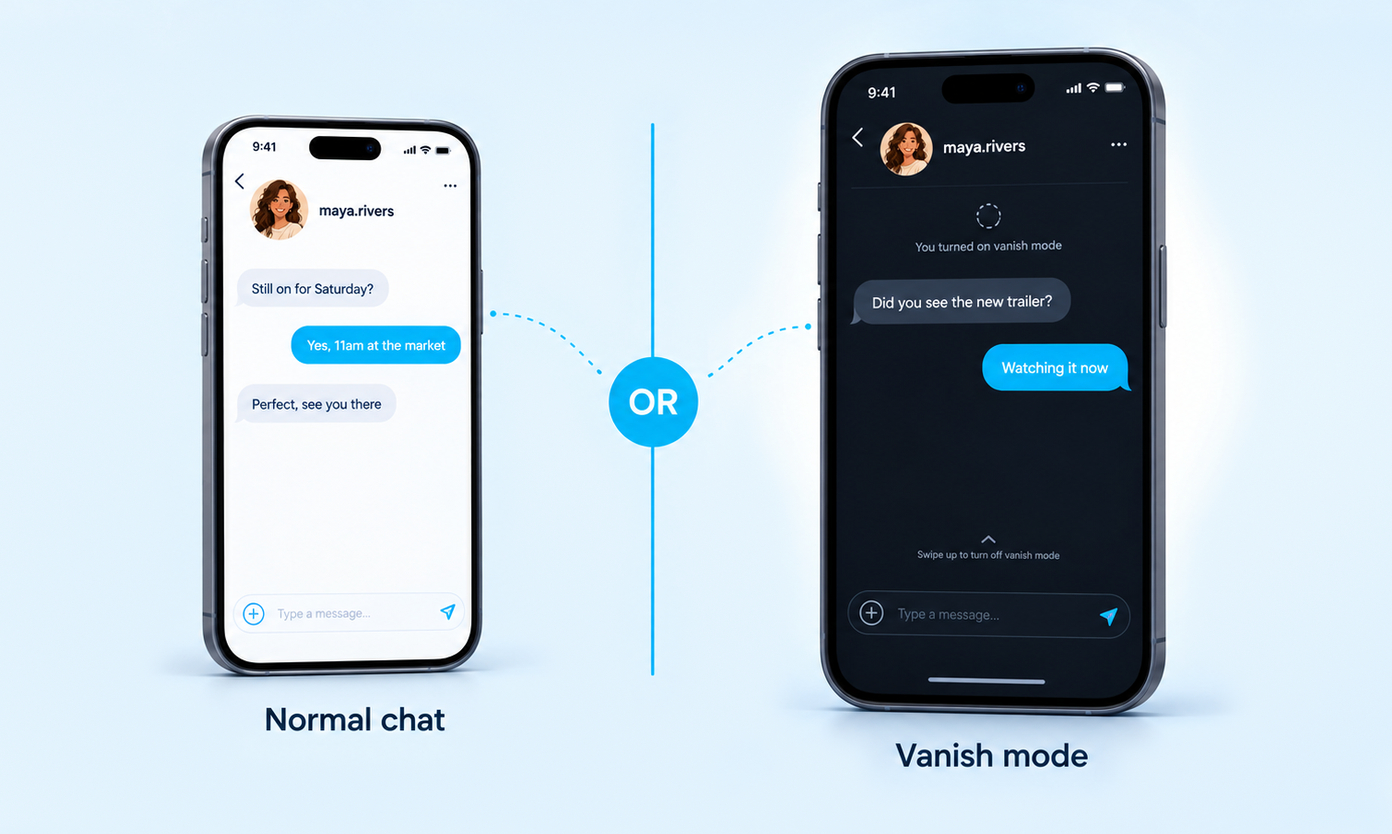
Vanish Mode is a setting inside a one-to-one Instagram chat that makes new messages temporary. Anything you send while it is on, including text, photos, videos and stickers, disappears once someone leaves the chat or switches the mode off. It does not touch the messages you sent before, and it does not delete anything from […] Read More

How To Clear Instagram Cache on Android, iPhone and Desktop
• 27 September 2026
How To Clear Instagram Cache on Android, iPhone and Desktop

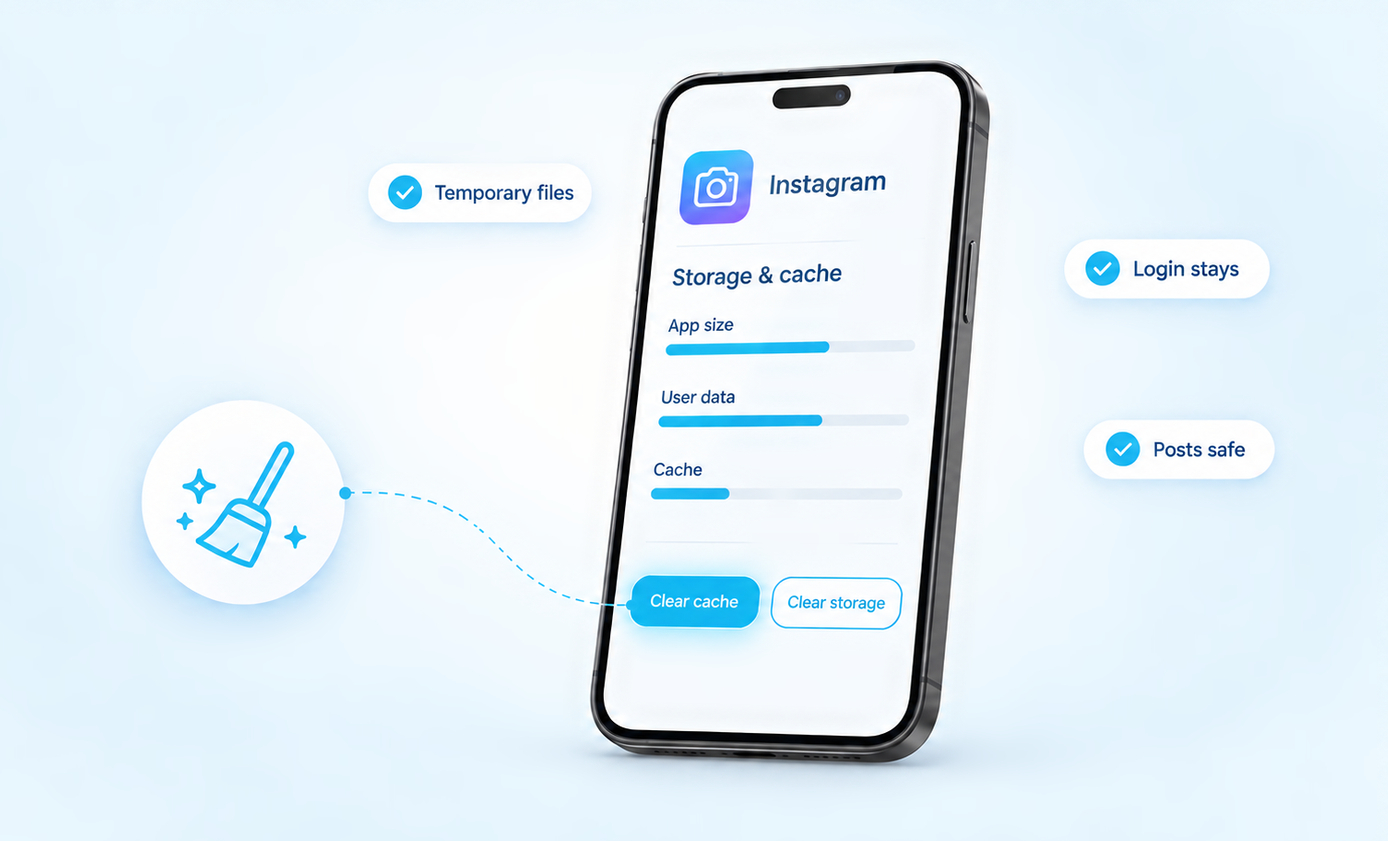
Where the cache button is:• Android: Settings > Apps > Instagram > Storage > Clear cache. Five taps, and you stay logged in.• iPhone: there is no cache button. Save your drafts, then delete Instagram and install it again.• Computer: clear your browser’s cached images and files, and leave cookies alone if you want to […] Read More

How To Edit Instagram Posts Before And After Posting
• 23 September 2026
How To Edit Instagram Posts Before And After Posting

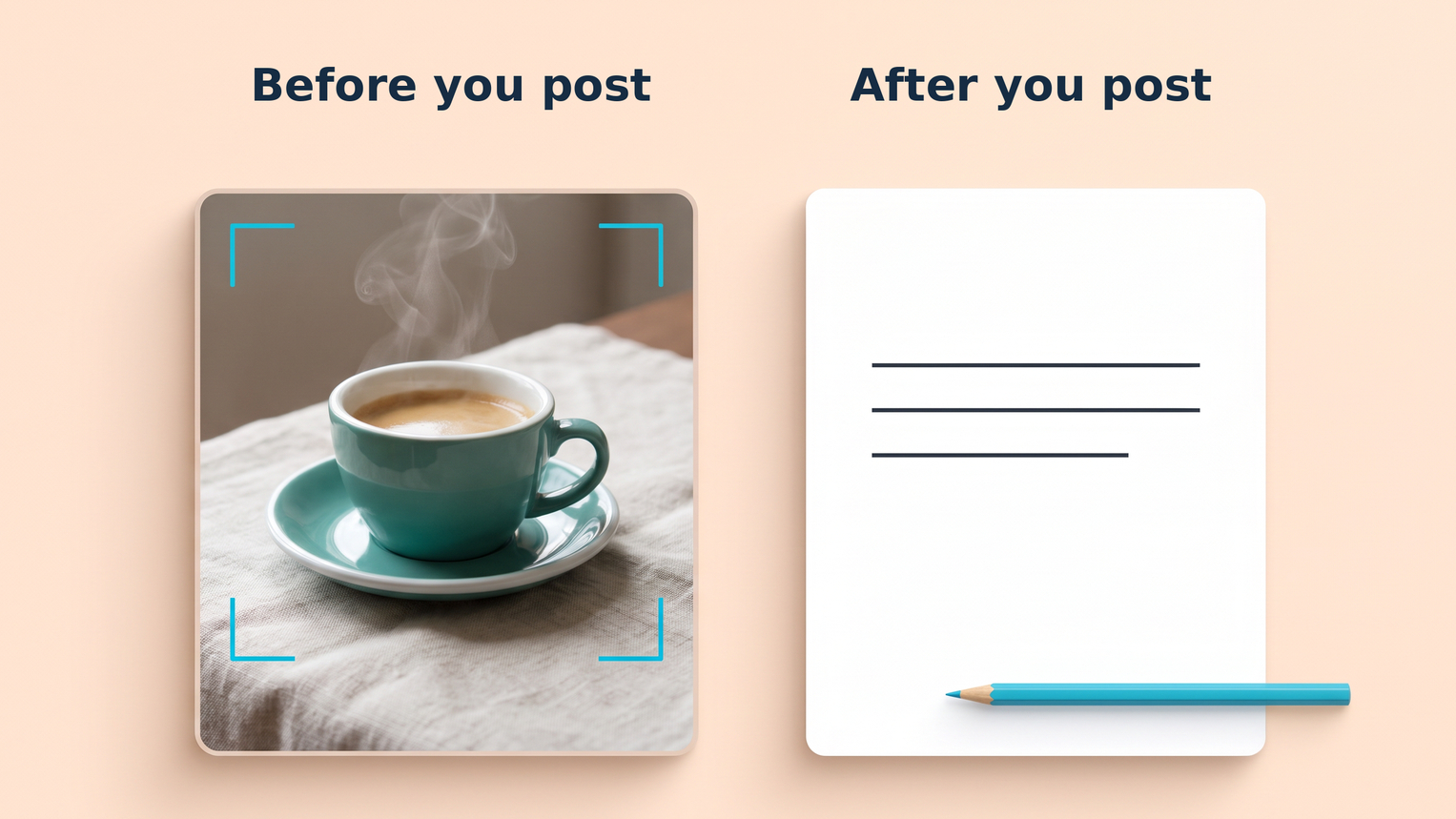
Before publishing an Instagram post, you can prepare the photo, adjust its crop and filters, and review the details that go with it. After publishing, you can edit the caption, tags, location and alt text, but you cannot replace the original photo with a different file. For a carousel, you can also reorder or remove […] Read More

How To Reset Instagram Explore Page
• 19 September 2026
How To Reset Instagram Explore Page

Start with this setting:To reset your Instagram Explore page, open your profile, tap the three-line menu, then choose Content preferences → Reset suggested content. Follow the review screens and confirm the reset. This also resets recommendations in Reels and Feed, not just Explore. Instagram then personalizes suggestions again through your future interactions. If Explore keeps […] Read More

What Does It Mean When It Says “Instagram User”?
• 13 September 2026
What Does It Mean When It Says “Instagram User”?

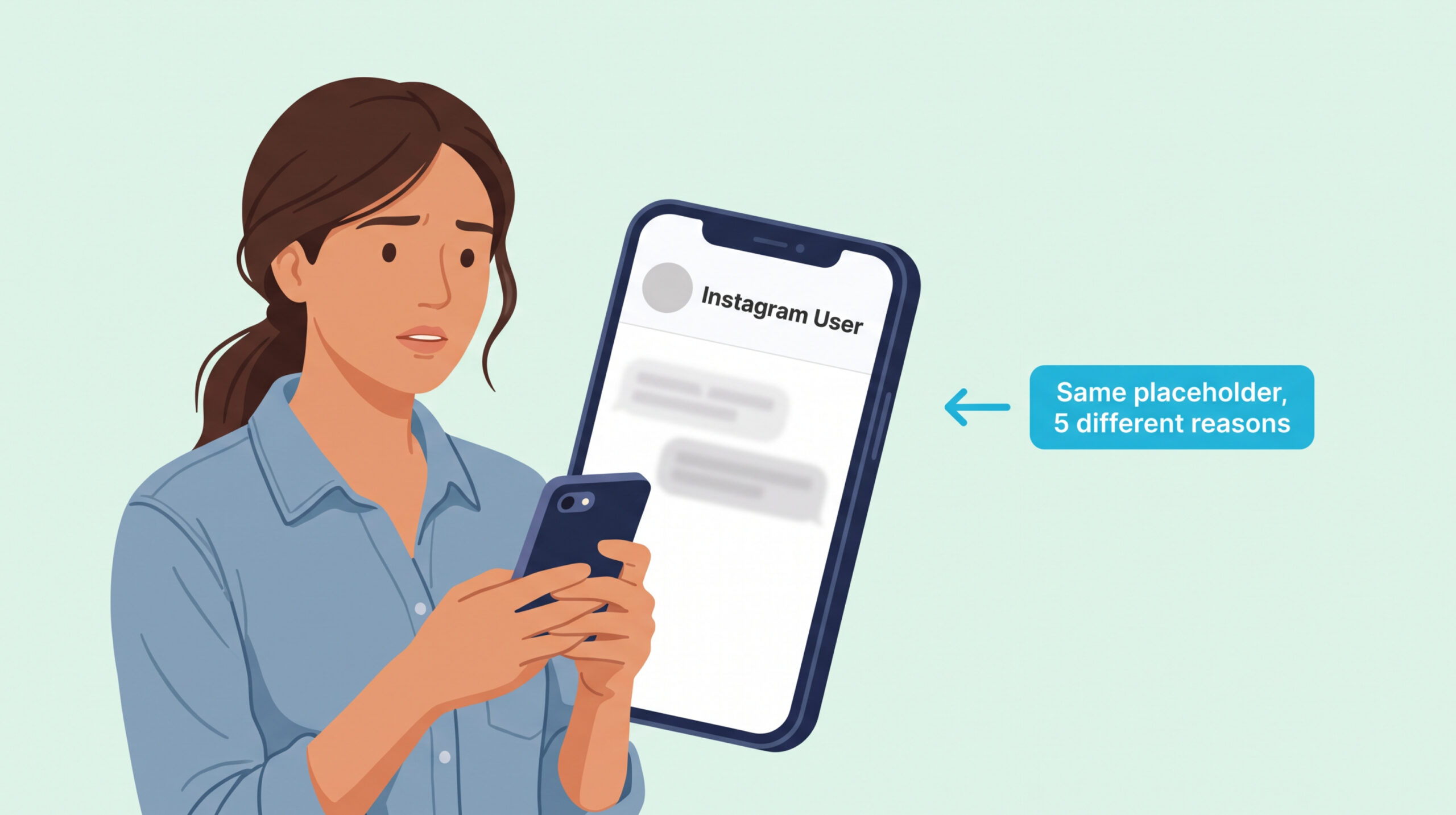
The short version: “Instagram User” is a placeholder Instagram uses when it cannot show someone’s real name to you. It appears in five situations: they blocked you, they temporarily deactivated their account, they permanently deleted it, Instagram disabled it for a policy break, or their username changed and your app hasn’t refreshed yet. The fastest […] Read More

How To Do A Birthday Countdown On Instagram
• 06 September 2026
How To Do A Birthday Countdown On Instagram

The short version: Open a Story, tap the sticker icon (square smiley), pick Countdown, give it a short name like “It’s My Birthday,” set the end date and time, choose a color, then post. Followers can tap the sticker and turn on Remind Me so they get a notification when the countdown ends. Save the […] Read More

What Does Remove Follower Mean On Instagram: The Quiet Curation Guide
• 09 August 2026
What Does Remove Follower Mean On Instagram: The Quiet Curation Guide

If you only need a straight answer The remove follower option is Instagram’s quietest audience tool. It exists so you can trim your followers list without the drama of a block or the awkwardness of a public unfollow. Most people know the button is there but not what it actually does behind the scenes, and […] Read More

Save up to $10 OFF
Coupon $3 OFF
Coupon $5 OFF
Coupon $10 OFF
Boost your Instagram presence today
Real, fast delivery Drop-protected 30-day refill guarantee
Starting at $2.99
Glossary