Blog & Stories

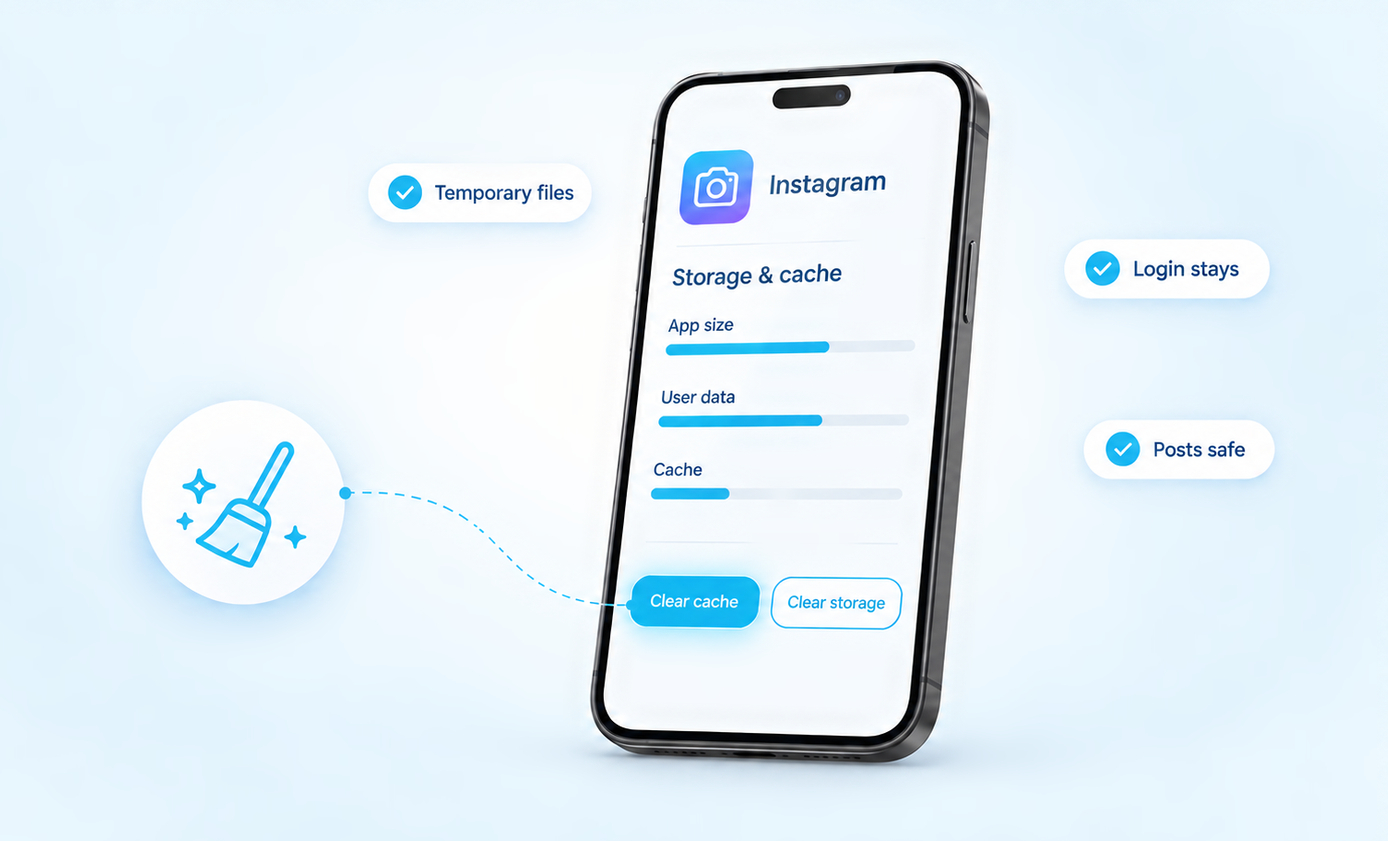
How To Clear Instagram Cache on Android, iPhone and Desktop
• 27 September 2026
How To Clear Instagram Cache on Android, iPhone and Desktop

Where the cache button is:• Android: Settings > Apps > Instagram > Storage > Clear cache. Five taps, and you stay logged in.• iPhone: there is no cache button. Save your drafts, then delete Instagram and install it again.• Computer: clear your browser’s cached images and files, and leave cookies alone if you want to […] Read More
How Much Money Do You Make on YouTube With 1 Million Subscribers?
• 27 September 2026
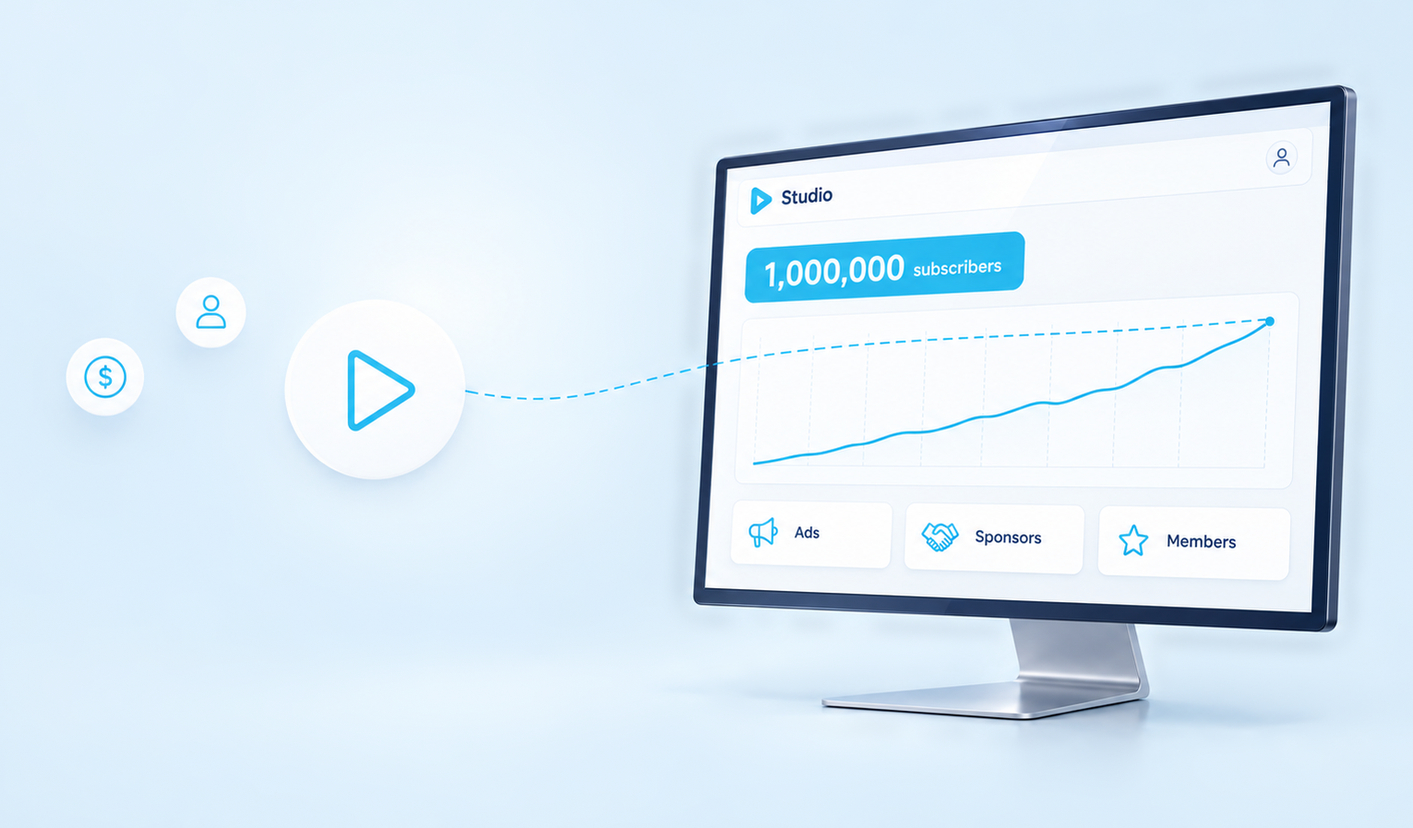
How Much Money Do You Make on YouTube With 1 Million Subscribers?

Short answer: most channels with 1 million subscribers earn somewhere between a few thousand and a few tens of thousands of dollars a month from YouTube itself, and sponsorships often add as much again. YouTube does not pay anything per subscriber. It pays for views, for ads shown on those views and for what fans […] Read More

How To Find Liked Videos On Facebook
• 25 September 2026
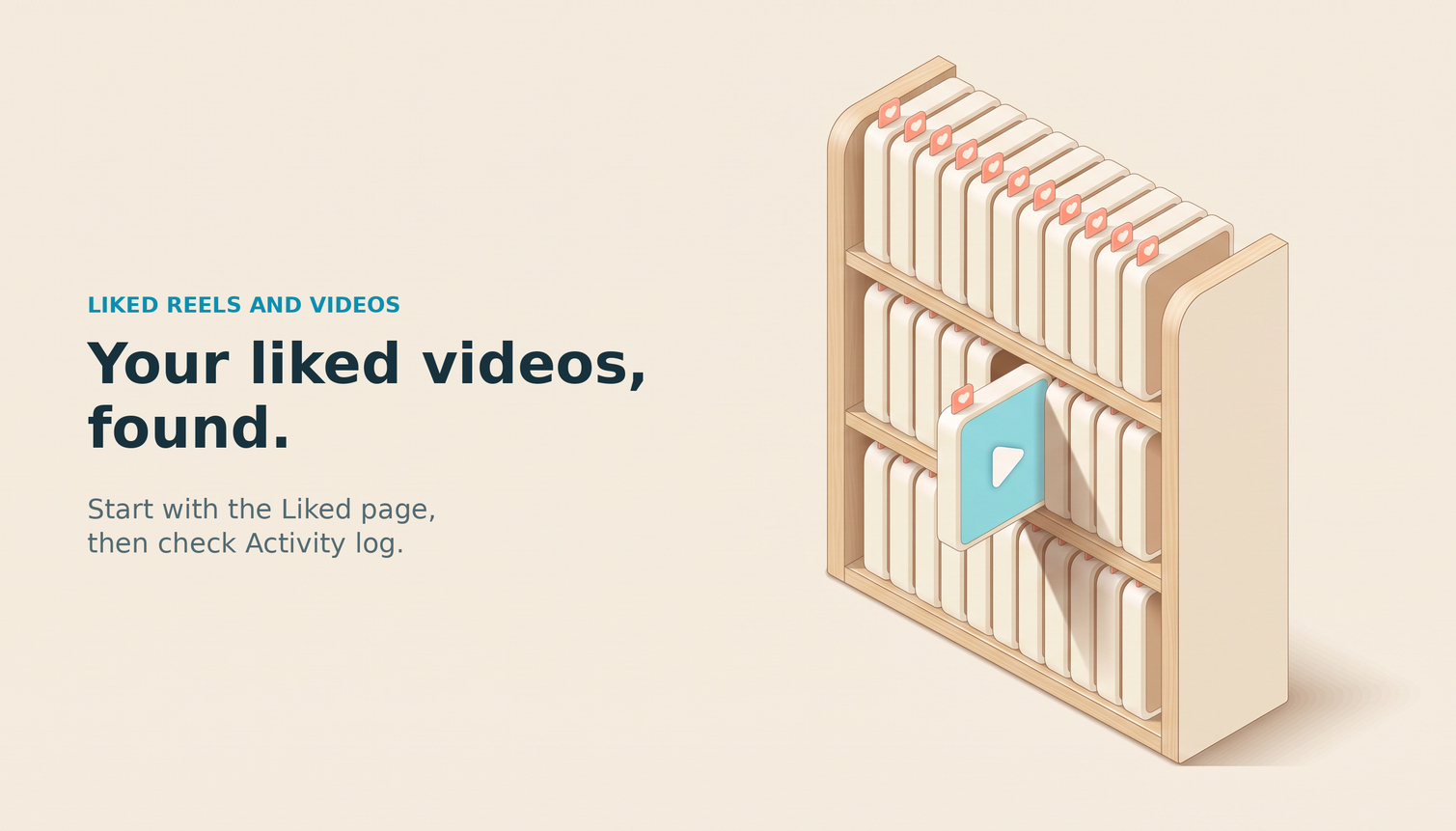
How To Find Liked Videos On Facebook

The quickest route:In the Facebook app, tap Menu, tap your name, open Reels and choose Liked. That page lists the reels and videos you liked, and only you can see it.If you reacted with something other than Like, or you are on a computer, open Activity log instead. It records every like and reaction you […] Read More

Can You See Who Views Your Twitter Profile?
• 24 September 2026
Can You See Who Views Your Twitter Profile?

No, Twitter, now X, does not give you a list of people who viewed your profile; its documented analytics metrics report counts rather than the names behind passive views. If you want to know whether one particular person has been checking your account, do not treat a rising number as an answer. The useful distinction […] Read More

How To Add Songs to Spotify From Your Own Files
• 23 September 2026
How To Add Songs to Spotify From Your Own Files

Listening or releasing? Before you add songs to Spotify, find the actual audio files you want to use. Start with one legally obtained, unprotected MP3 that opens in another player, then follow the instructions for the device where you want to listen. Keep the original file somewhere you can find it again. Add Local Music […] Read More

How To Edit Instagram Posts Before And After Posting
• 23 September 2026
How To Edit Instagram Posts Before And After Posting

Before publishing an Instagram post, you can prepare the photo, adjust its crop and filters, and review the details that go with it. After publishing, you can edit the caption, tags, location and alt text, but you cannot replace the original photo with a different file. For a carousel, you can also reorder or remove […] Read More

How To Reset Instagram Explore Page
• 19 September 2026
How To Reset Instagram Explore Page

Start with this setting:To reset your Instagram Explore page, open your profile, tap the three-line menu, then choose Content preferences → Reset suggested content. Follow the review screens and confirm the reset. This also resets recommendations in Reels and Feed, not just Explore. Instagram then personalizes suggestions again through your future interactions. If Explore keeps […] Read More

What Does It Mean When It Says “Instagram User”?
• 13 September 2026
What Does It Mean When It Says “Instagram User”?

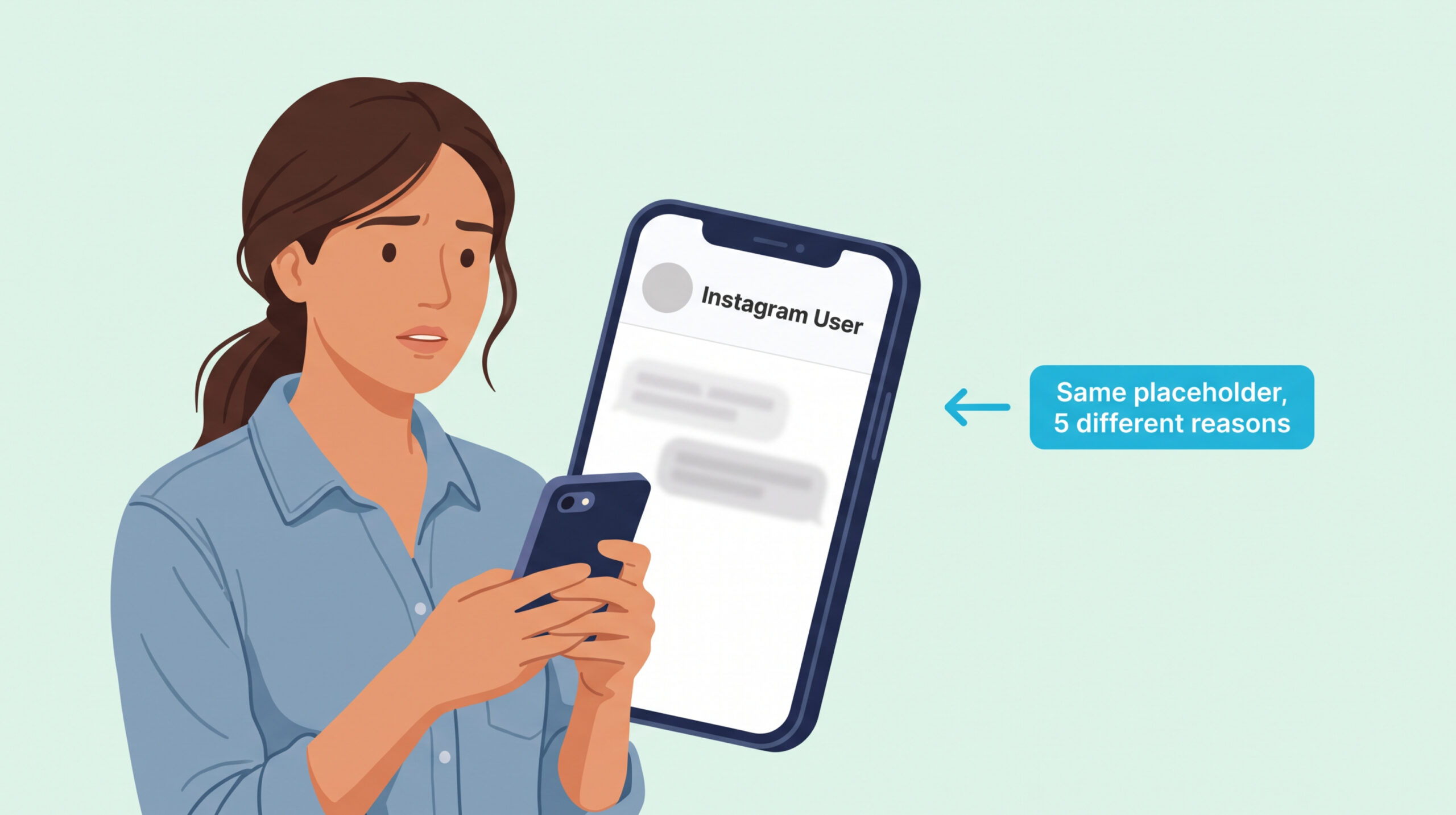
The short version: “Instagram User” is a placeholder Instagram uses when it cannot show someone’s real name to you. It appears in five situations: they blocked you, they temporarily deactivated their account, they permanently deleted it, Instagram disabled it for a policy break, or their username changed and your app hasn’t refreshed yet. The fastest […] Read More

How To Do A Birthday Countdown On Instagram
• 06 September 2026
How To Do A Birthday Countdown On Instagram

The short version: Open a Story, tap the sticker icon (square smiley), pick Countdown, give it a short name like “It’s My Birthday,” set the end date and time, choose a color, then post. Followers can tap the sticker and turn on Remind Me so they get a notification when the countdown ends. Save the […] Read More

How To Turn Off Profile Views For TikTok
• 29 August 2026
How To Turn Off Profile Views For TikTok

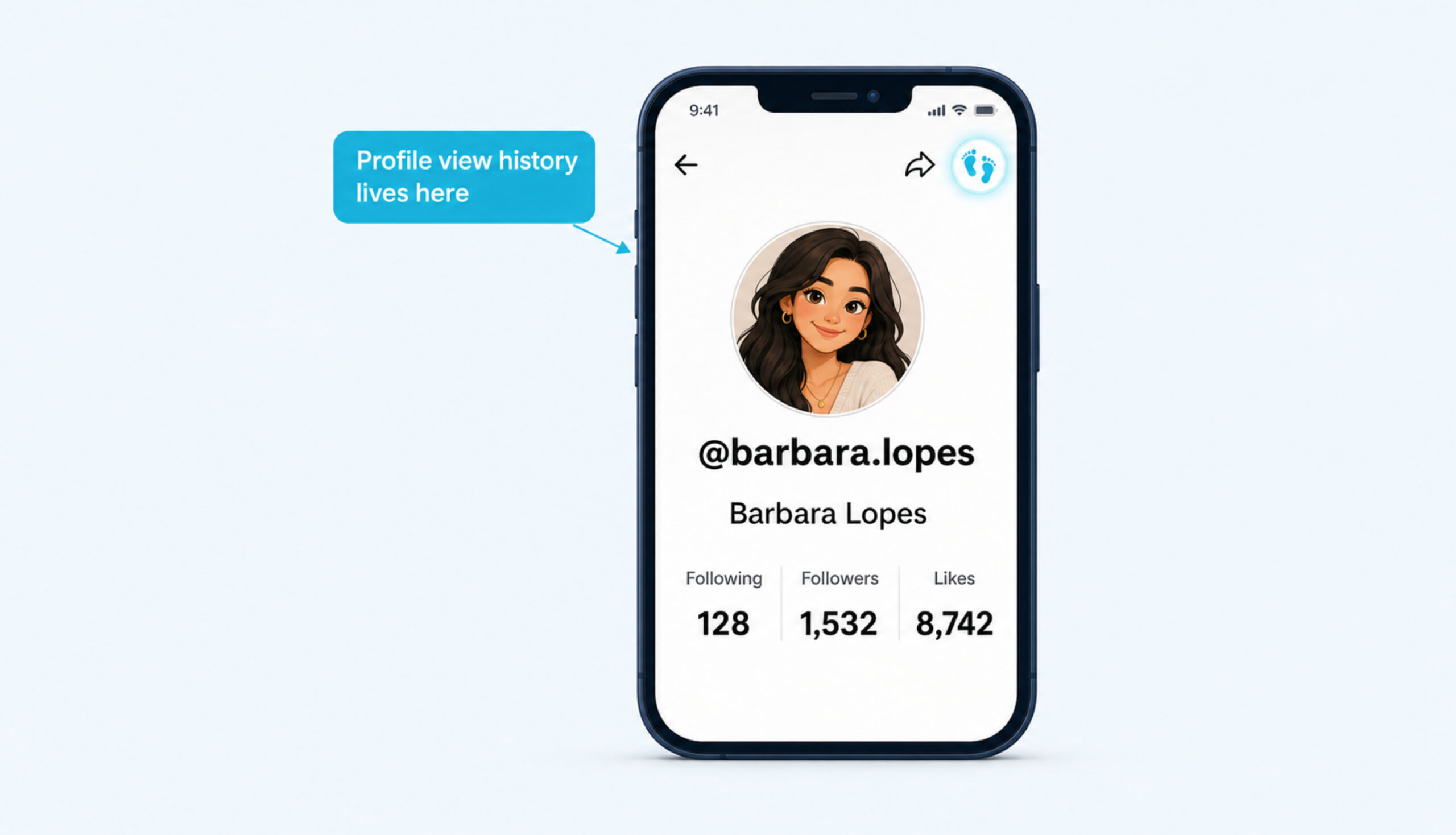
The short version TikTok’s Profile view history is one of the platform’s most misunderstood settings. Some people assume it is on for everyone by default, some assume the only way to hide is to make the whole account private, and almost nobody knows that the setting simply disappears from the Privacy menu once you are […] Read More

Save up to $10 OFF
Coupon $3 OFF
Coupon $5 OFF
Coupon $10 OFF
Boost your Instagram presence today
Real, fast delivery Drop-protected 30-day refill guarantee
Starting at $2.99
Glossary