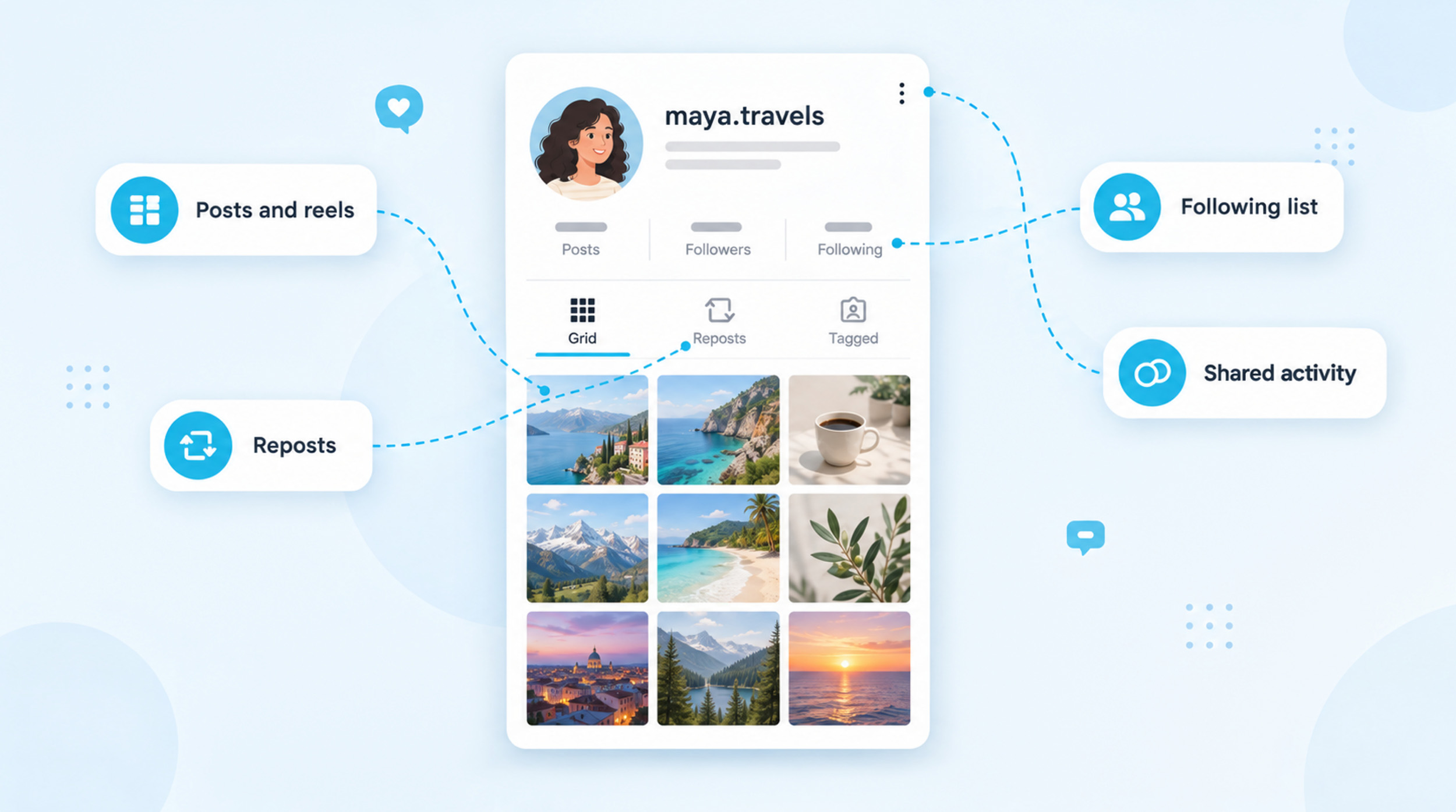
Instagram doesn’t have one place that shows everything someone does on the app. You can still see pieces of it: their posts, reels and reposts on their profile, public reels they liked or commented on in the Friends tab, and when they were last active if you both have activity status turned on. Some things […] Read More
Blog & Stories
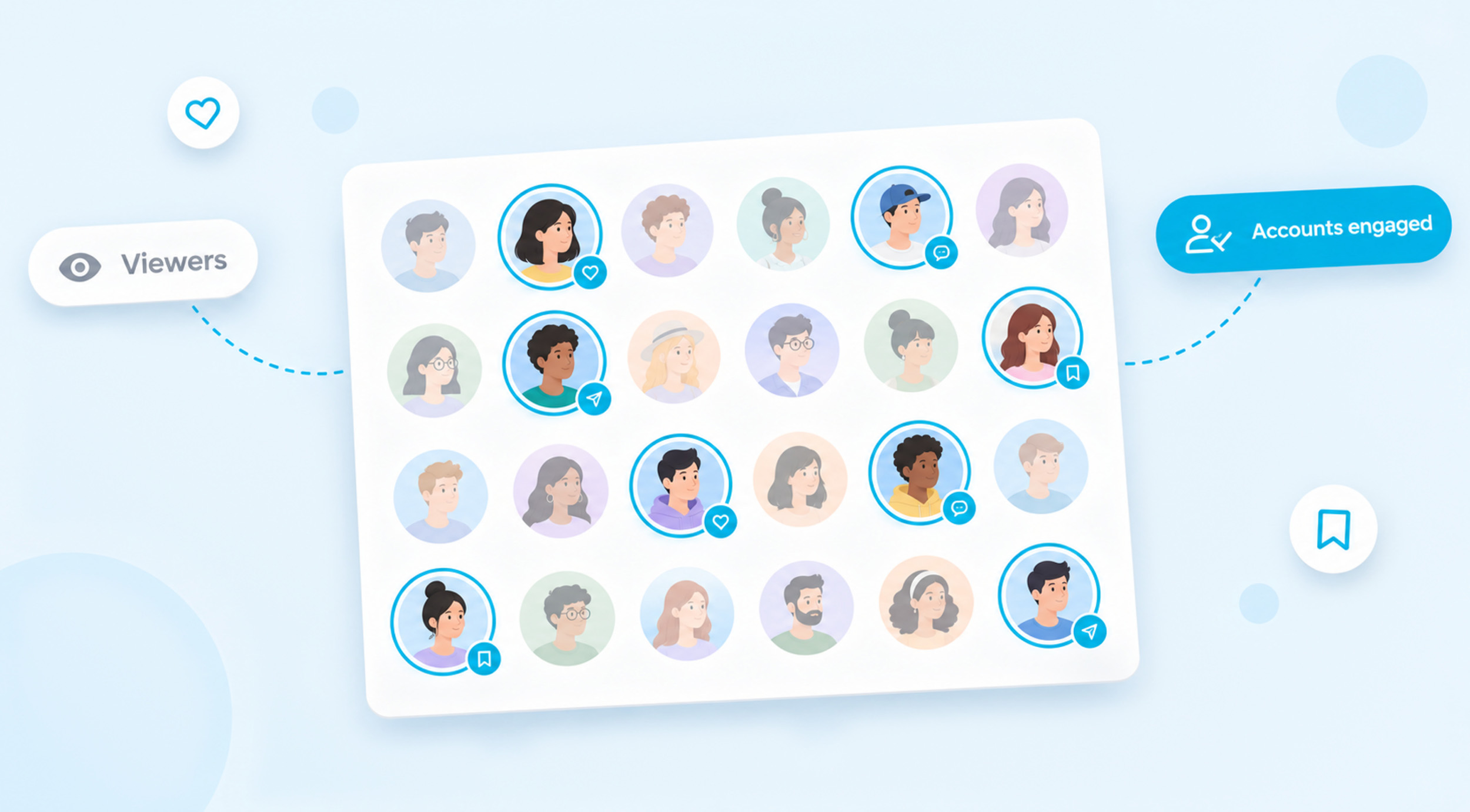
Accounts engaged is the number of unique accounts that interacted with your Instagram content during the time period you picked. A like, comment, save, share or story reply all count, but each person is counted once, no matter how many times they act. You’ll find it in Insights next to Interactions, which counts the actions […] Read More
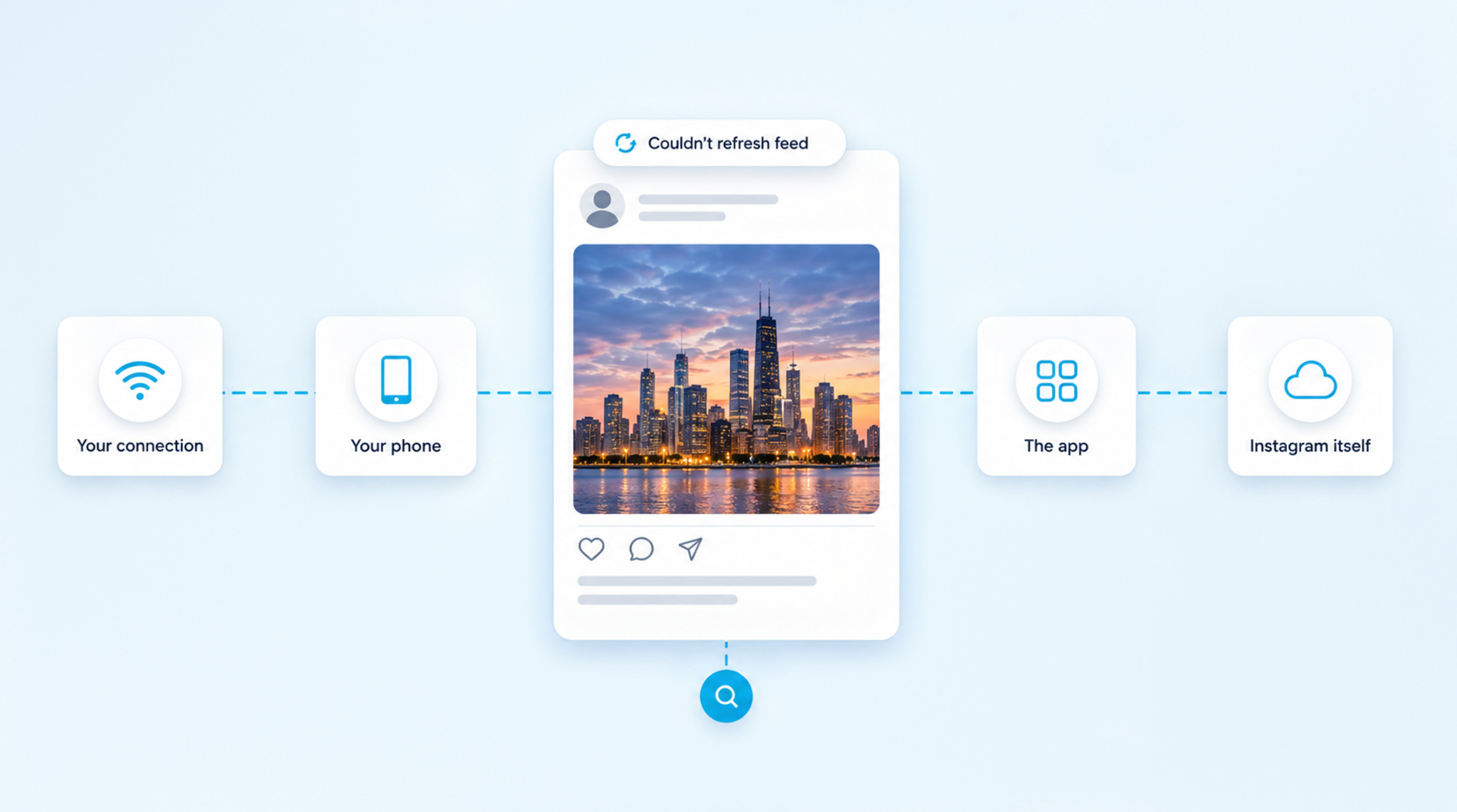
To fix “Couldn’t refresh feed” on Instagram, restart your phone, then try the app on Wi-Fi and on mobile data. If the feed still won’t load, update Instagram, clear its cache or offload it, log out and back in, and reinstall it as a last step. If instagram.com won’t load either and friends see the […] Read More
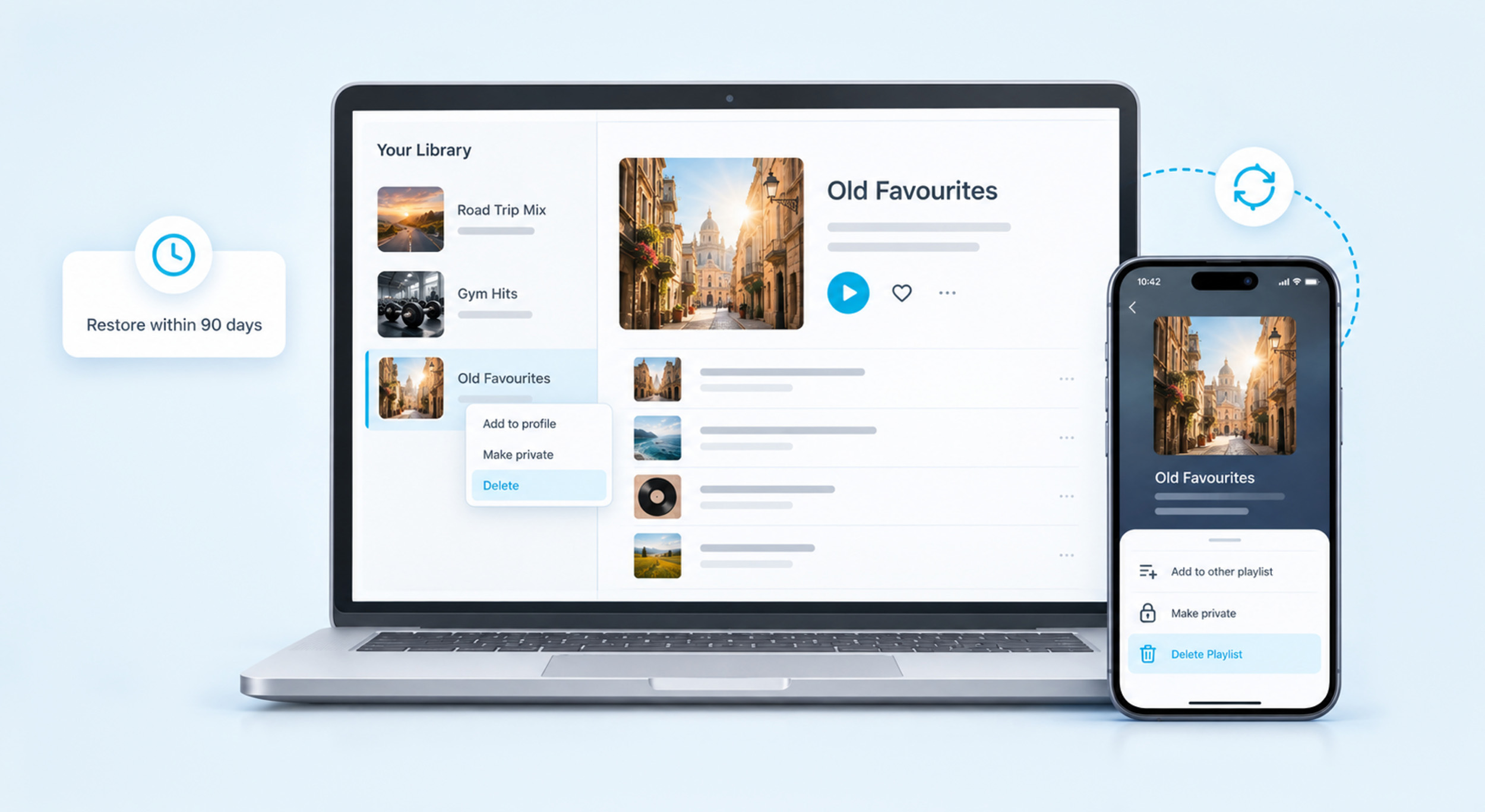
To delete a playlist on Spotify, open it, tap the three-dot menu and tap Delete Playlist. On a computer, right-click the playlist in Your Library and click Delete. It leaves your library straight away, and you can still restore it from your account page for 90 days if you change your mind. Delete, Remove or […] Read More
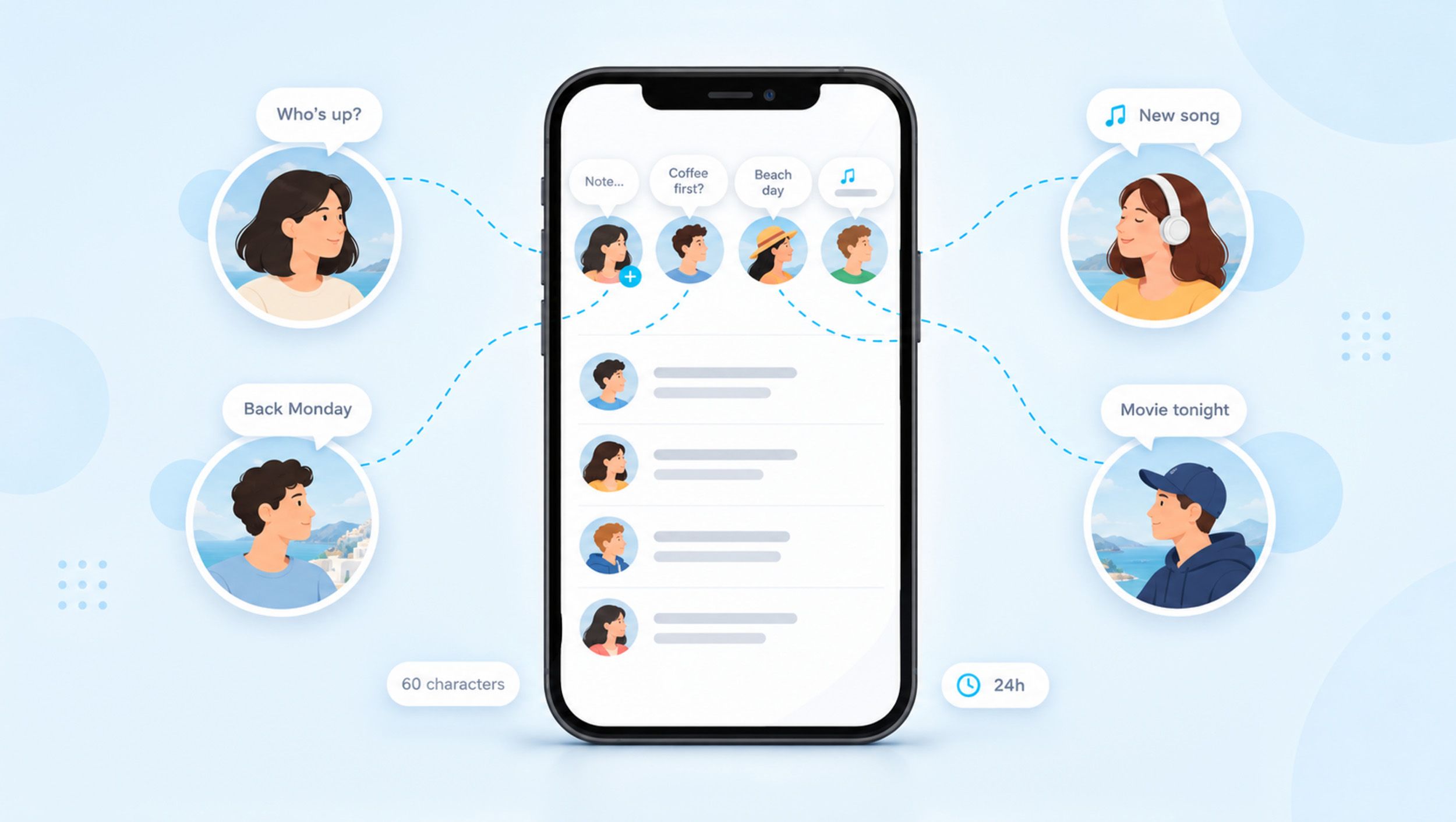
To get Notes on Instagram, tap Messages at the bottom of the app, then tap your profile picture at the top of your inbox. Type up to 60 characters, choose who can see it and tap Share. Your note then sits at the top of your friends’ inboxes and above your profile picture for up […] Read More
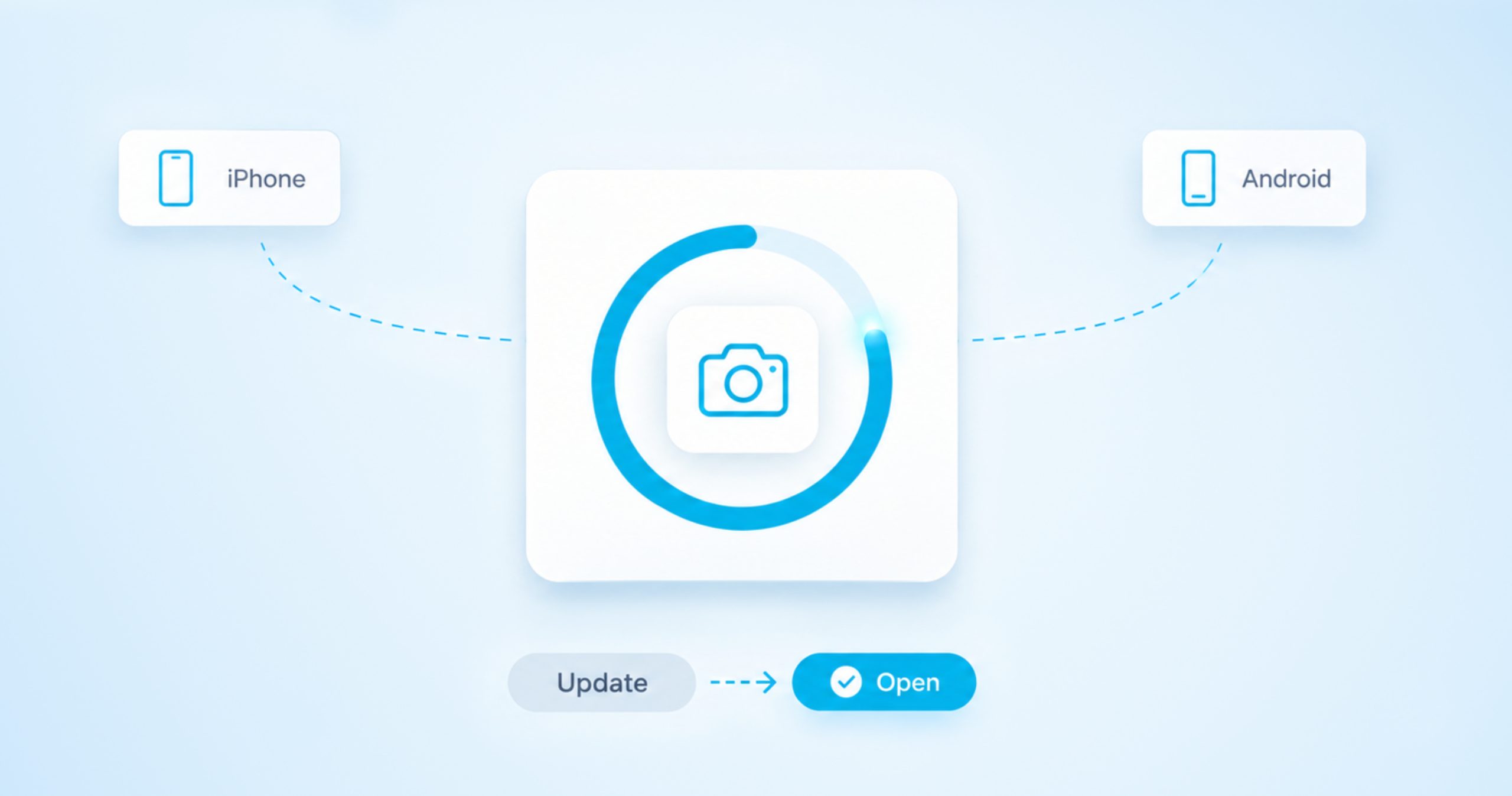
To update Instagram, open the App Store on an iPhone or Google Play on an Android phone, find Instagram and tap Update. On a good connection it takes about a minute, and you keep your posts, messages and settings. When it finishes, open the app as normal and carry on where you left off. You […] Read More
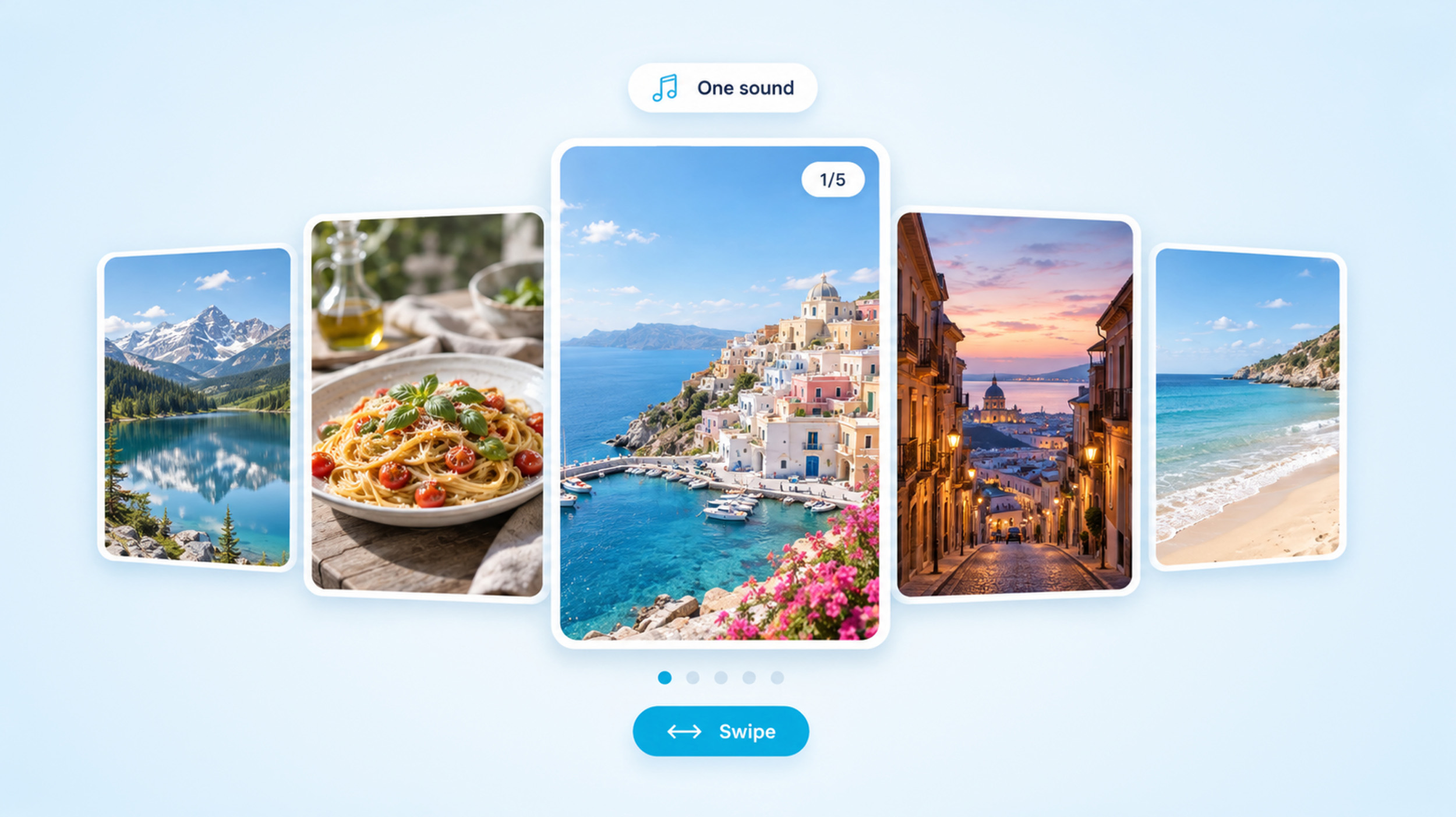
To make a slideshow on TikTok, open the app, tap Add post, choose Photo and upload up to 35 photos in the order you want them to play. Add a sound and a little text, then post it. That gives you a photo post, which shows one image after another with music and lets viewers […] Read More
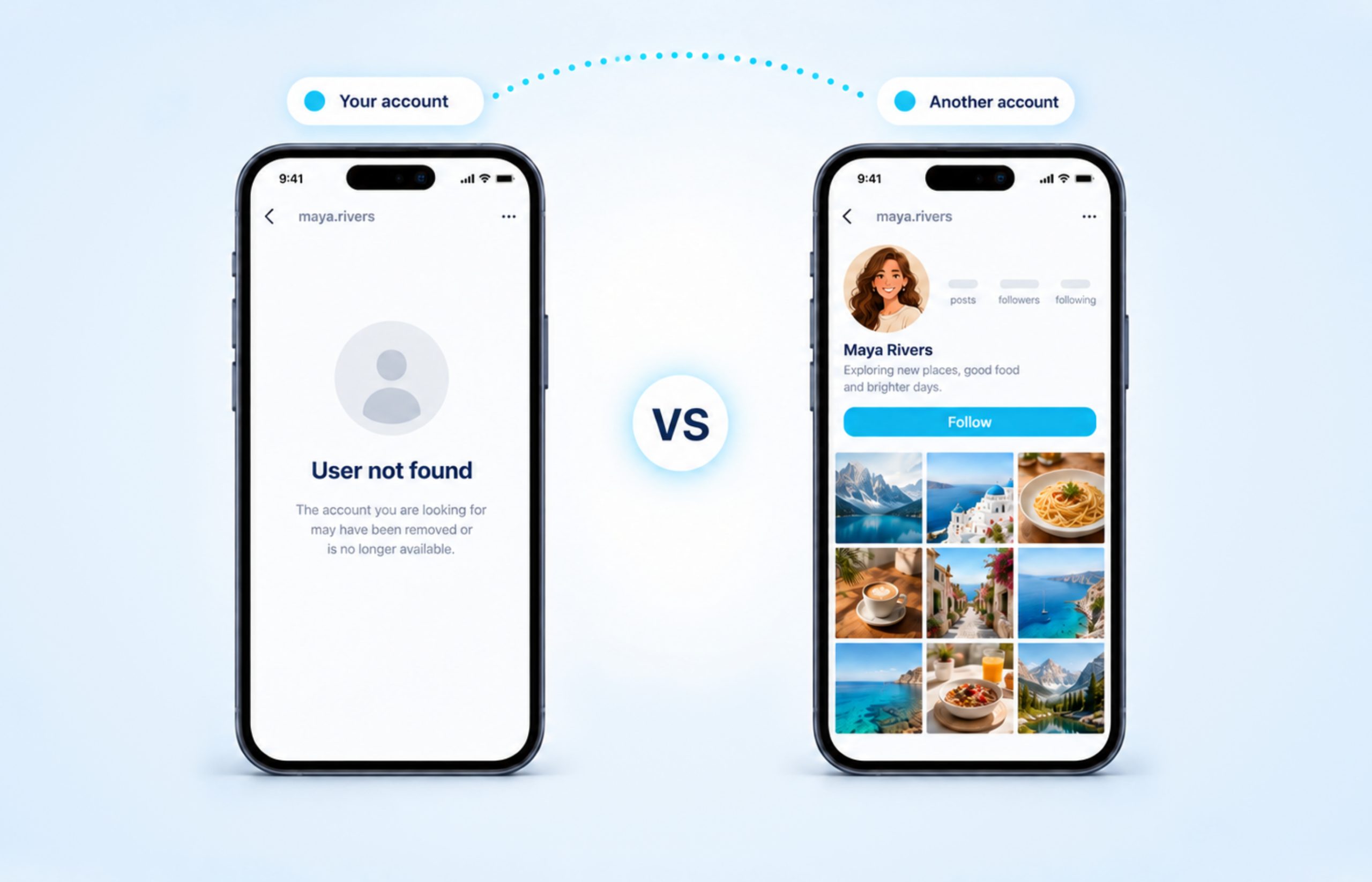
“User not found” means Instagram can’t show you that profile from your account right now. It doesn’t tell you why. The same message appears when someone changes their username, blocks you, deactivates their account, deletes it or gets disabled by Instagram, and a simple typo can trigger it too. So it isn’t always a block, […] Read More
Facebook only has a true off switch for comments on group posts. If you’re an admin, a moderator or the person who wrote the post, you can open the post’s menu and choose Turn off commenting. Posts on your own profile and on a Page work differently, because Facebook lets you limit who can comment […] Read More
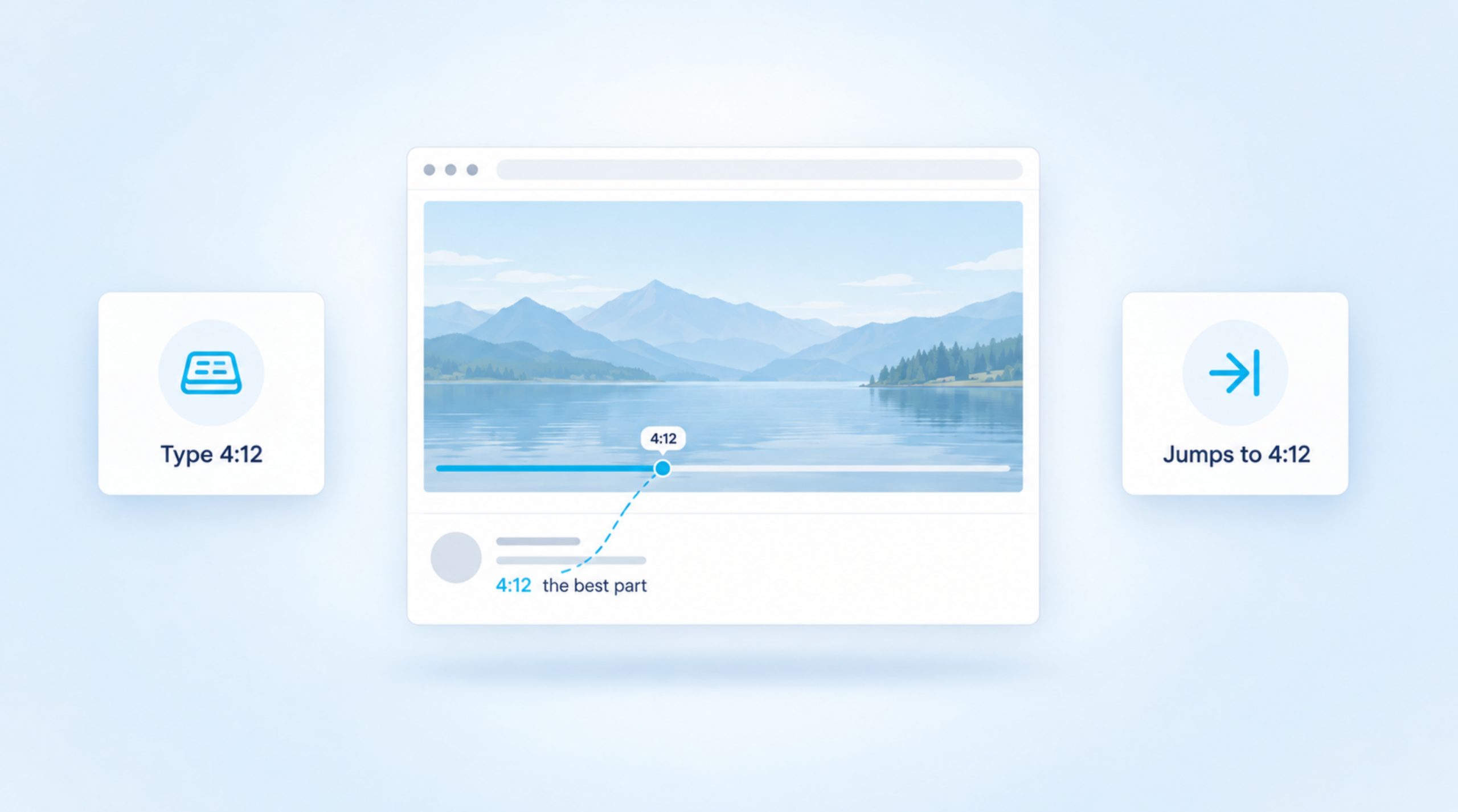
To timestamp a YouTube comment, type the time you want, such as 4:12, anywhere in your comment and post it. YouTube turns that time into a blue link, and anyone who clicks or taps it jumps straight to that moment in the video. You don’t need to copy or paste a URL for this to […] Read More